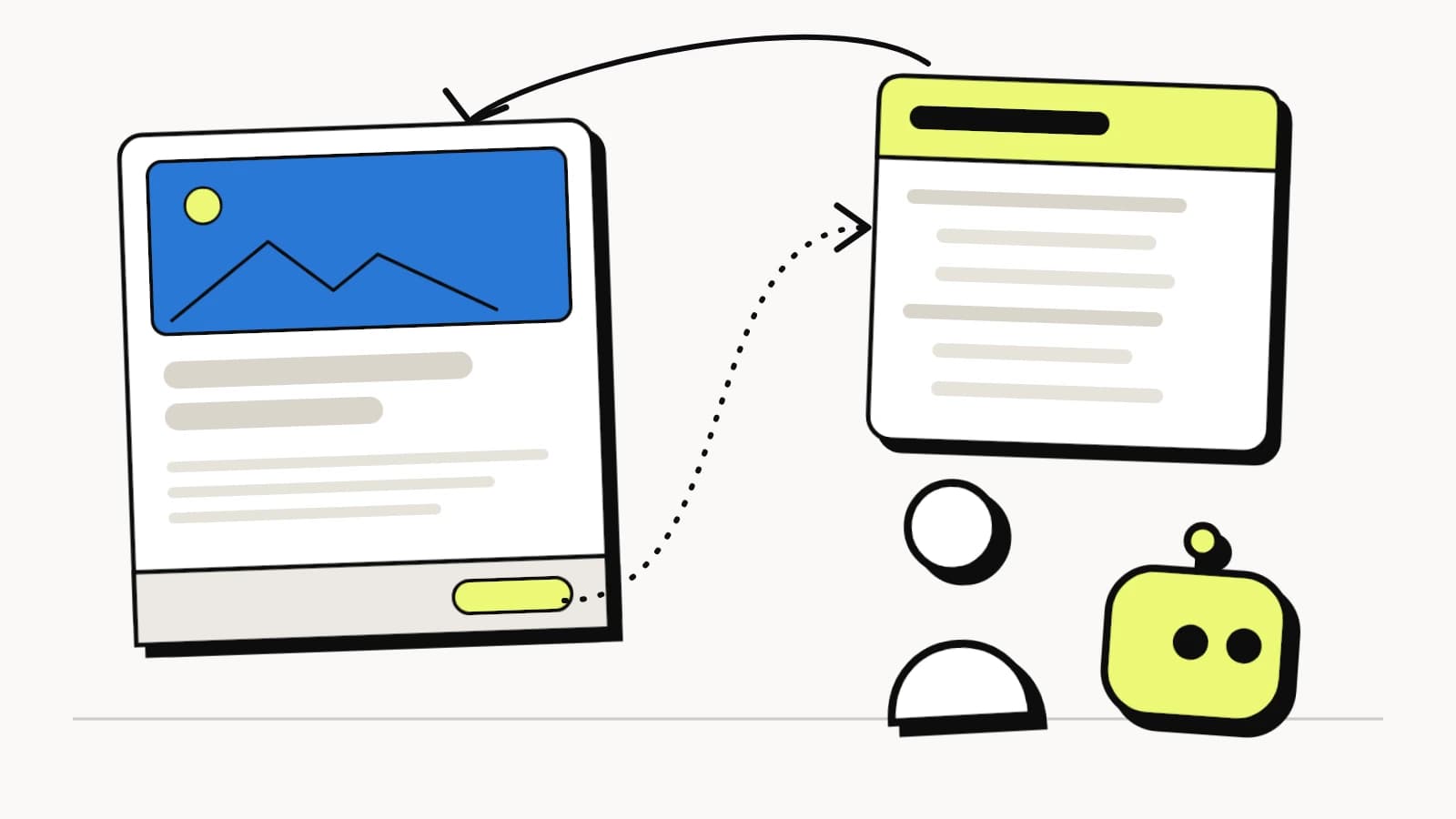
Here's what's actually happening
Search is moving from blue links to AI-generated answers. ChatGPT, Gemini, Claude, and Perplexity don't parse your hero images or CSS animations. What they want is structured data, clean text, and JSON-LD schema.
An AI-first view is a lightweight, parallel version of your pages built for bots. It takes the content you already have and re-organizes it into a structure machines can digest. The formatting and flow change, but the underlying information stays the same. Both versions live at public URLs, and humans and bots can reach either one. Visitors have no reason to open the machine-readable version, just as you have no reason to open the XML sitemap your SEO plugin generates.
Each AI-first view carries a canonical tag pointing back to your original page, and your site footer links to it in plain view. Nothing gets redirected behind the scenes or swapped based on the visitor's user agent, so there is no bait-and-switch.
Google Search Central covers this case directly:
"Googlebot generally doesn't consider dynamic rendering as cloaking. As long as your dynamic rendering produces similar content, Googlebot won't view dynamic rendering as cloaking."
Re-organizing your existing content for machines is compliant, and inventing different content for them is not. That one difference separates AI-first rendering from cloaking.
"Wait, isn't this cloaking?"
If you've managed WordPress sites or done any technical SEO, you probably flinched at "show one version to users and another to bots." That reflex is a healthy one, because cloaking is one of the fastest ways to get a site removed from search results.
Deceiving a bot and translating a page for it are very different things, though.
What cloaking actually is
Google's spam policies define cloaking this way:
"Cloaking refers to the practice of presenting different content to users and search engines with the intent to manipulate search rankings and mislead users."
The part that matters is "different content … intent to manipulate." Picture a page about dog grooming that serves casino keywords to bots, a product page with keyword-stuffed text hidden at the bottom, or a legitimate article that redirects bots to a spam domain. Each one changes the page's meaning and lies to the bot about what the page is.
What AI-first rendering actually is
Our approach works the other way around. We take the content already on your site (the headings, paragraphs, product details, and FAQs) and re-structure it into a format AI models can digest efficiently. What comes out is clean HTML, JSON-LD structured data, natural-language Q&A blocks, and an LLMs.txt file, which works like a sitemap for language models.
The page's format and flow change while the information stays put. Say your service page reads "VORA Studio, 4.9★ rated design agency in Tel Aviv, open 24/7." The AI view expresses that as structured JSON-LD with the same name, rating, price range, and hours. A FAQ accordion powered by JavaScript becomes flat Q&A text with FAQPage schema: the same questions and answers, now machine-readable.
Nothing is hidden, either, which is what separates this from cloaking completely. Each version is public at its own URL. A human can click the footer link and see the AI view, and a bot can crawl your main page. There is no gate and no server-side switch checking user agents, so either audience can open either version.
What Google actually says
Google's documentation addresses this scenario explicitly in three places, so you can check it yourself.
The first is Google's Dynamic Rendering documentation, which has a dedicated section titled "Dynamic rendering is not cloaking":
"Googlebot generally doesn't consider dynamic rendering as cloaking. As long as your dynamic rendering produces similar content, Googlebot won't view dynamic rendering as cloaking."
The same page also says where the line is:
"Using dynamic rendering to serve completely different content to users and crawlers can be considered cloaking. For example, a website that serves a page about cats to users and a page about dogs to crawlers is cloaking."
An AI-first view keeps the same entities, facts, and answers and only re-structures them for machines. In Google's terms, cats stay cats. The same test decides dynamic bot rendering, the newer variant that sends AI assistants a stored snapshot: it stays clear of cloaking only while the snapshot matches the live page.
The second is Google's cloaking spam policy itself, which points site owners to accepted ways of making hard-to-crawl content accessible:
"If your site uses technologies that search engines have difficulty accessing, like JavaScript or images, see our recommendations for making that content accessible to search engines and users without cloaking."
So Google expects you to provide a machine-friendly alternative when your visual layer makes content hard for crawlers to parse. An AI-first view is that alternative.
The third is paywalled content, which Google handles with the same logic. Showing crawlers a version they can fully access while the human version is formatted differently is fine, as long as the underlying content matches.
How bot routing works: the footer link
A common question is how bots find the AI-first view.
We put a visible link in your site footer that points to the AI-readable version of each page. It is a standard HTML hyperlink that sits in the DOM, where any human can click it and any bot can crawl it. We don't use a hidden redirect, a server-side user-agent sniff, or an invisible JavaScript swap to get bots there.
Footers have long held secondary navigation and links to alternative views.
VWO (Visual Website Optimizer), one of the largest A/B testing platforms, uses transparent footer links to expose alternative content views to crawlers while keeping its primary user experience intact. AMP pages used a similar pattern for years with link-rel-amphtml, where the canonical page openly linked to an alternate, machine-optimized view. Hreflang tags serve different language versions of the same content to users in different regions.
Each of these works the same way. A public link says "here is an alternative version of this page," and because nothing is hidden, there is nothing to detect.
Technical safeguards for WordPress developers
For anyone looking after a WordPress site's SEO health, these mechanisms keep the approach safe.
Start with canonical tags. Every AI-first page has one pointing back to the original WordPress URL, which tells Google and every answer engine that the AI view is an alternate format and that all ranking credit belongs to the main page. That leaves no duplicate-content risk. WordPress uses the same mechanism for paginated archives, print-friendly pages, and AMP.
The system also never invents content. It parses what is already in your DOM and database and maps your real headings, paragraphs, product attributes, and FAQs into Schema.org standards. It does not hallucinate new keywords, create satellite pages, or add topics your site doesn't already cover.
The bot directives stay compliant too. Clean robots.txt rules and an LLMs.txt file give AI crawlers like GPTBot, ClaudeBot, and Google-Extended a crawl roadmap without interfering with standard Googlebot access. Your Yoast or Rank Math sitemap, existing robots.txt rules, and Search Console configuration stay untouched.
Finally, the HTTP headers are clean. AI-first views return proper 200 status codes, correct content-type headers, and appropriate cache directives, with no sneaky redirects, 302 chains, or meta refresh tricks.
Why this doesn't bloat or slow down your site
Performance may be the strongest argument for a separate AI-first view.
The alternative is cramming all of this structured data directly into your main pages: massive JSON-LD blocks, expanded FAQ markup, LLM-specific meta tags, and dozens of additional Schema entities. For a WooCommerce store with 500 products, that means tens of thousands of extra lines in every page's HTML. DOM size doubles, Time to First Byte suffers, and Core Web Vitals tank, so your pages get measurably slower for the people who actually buy things.
A separate AI view avoids that problem entirely.
Human visitors get your WordPress theme exactly as designed, without any extra CSS, JavaScript, or HTML. There is zero overhead, and Core Web Vitals stay clean.
AI crawlers get a lightweight, text-only page with no images, CSS frameworks, or JavaScript bundles. Bots ingest your structured data in milliseconds and spend their crawl budget efficiently instead of wasting it parsing React components and Elementor divs.
Think of a restaurant. The dining room is designed for guests, and the supply manifest is a plain spreadsheet for the delivery driver. You wouldn't paste that spreadsheet on the restaurant walls. Each one carries the same information, presented for the audience that uses it.
Cloaking vs. AI-first rendering at a glance
With cloaking, the content is fabricated: a different topic, or invented text meant to manipulate rankings. The mechanism hides behind a server-side user-agent switch, and the canonical tag is either missing or points to a fake URL. Google considers it an explicit spam policy violation, and the risk is a manual action and deindexing.
With AI-first rendering, the content is re-organized. The information is the same and only the structure changes, with the aim of helping bots understand what already exists. The mechanism is a transparent footer link anyone can click, and a canonical tag points to the real original page. Google's Dynamic Rendering documentation applies the same test: if the content is similar, it isn't cloaking.