
If you run a small business, the best AI SEO tool probably isn't the one with the most impressive dashboard. It's the one that improves your website without you having to hire a marketing team to operate it.
We build LovedByAI, a generative engine optimization platform for small business WordPress sites, which means we see both sides of this market every day: the dashboards that report where a business appears in ChatGPT, Gemini, Perplexity and Google AI Overviews, and the website problems those dashboards leave untouched.
The demand behind those dashboards is real. BrightLocal's Local Consumer Review Survey 2026 found that 45% of US consumers had used ChatGPT or another generative AI tool for local recommendations, up from 6% a year earlier.
That reporting can be useful. But for a small business owner, it raises a more immediate question.
Once you find out that AI isn't recommending your business, what happens next?If the answer is "hire an SEO consultant to figure it out," the software may be solving the wrong problem.
What do AI SEO tools for small business actually do?
"AI SEO tool" covers at least five different jobs: traditional search performance, on-page SEO, content optimization, AI search optimization and AI visibility monitoring, and they don't do the same job.
A tool that shows where your website ranks on Google doesn't improve your pages. A platform that tracks ChatGPT recommendations doesn't fix a server that turns AI crawlers away. A content assistant doesn't know whether the facts it writes about your business are true.
For a business without a marketing department, choosing the right tool starts with naming the work that needs doing.
| Category | Example tools | What they're useful for | Fixes the site? |
|---|---|---|---|
| Search performance | Google Search Console, Bing Webmaster Tools | Finding indexing problems and seeing which searches bring visitors | No, it reports |
| WordPress SEO | Yoast SEO, Rank Math | Titles, meta descriptions, sitemaps and supported structured data | Partly, with your input |
| Content optimization | Surfer, Frase | Improving existing articles and planning new ones against what ranks | Partly, you do the writing |
| AI search optimization | LovedByAI | Automated AI readiness fixes on WordPress: structured data, AI-readable pages, llms.txt, crawler access checks | Yes, automatically |
| AI visibility monitoring | OtterlyAI and similar trackers | Tracking brand mentions, citations and competitors across a set of AI prompts | No, it reports |

The categories overlap. Some platforms bundle an audit with monitoring, others pair optimization with reporting, and LovedByAI does both for WordPress sites.
The label on the product matters less than one question: does this tool make changes, or does it tell you what happened?
AI SEO tools vs AI visibility tracking: why tracking is a poor first buy for a small business
Imagine you own a plumbing company.
You sign up for an AI visibility tracker and learn that ChatGPT mentions your business in 8% of the questions you chose to track. Your biggest competitor shows up in 24%.
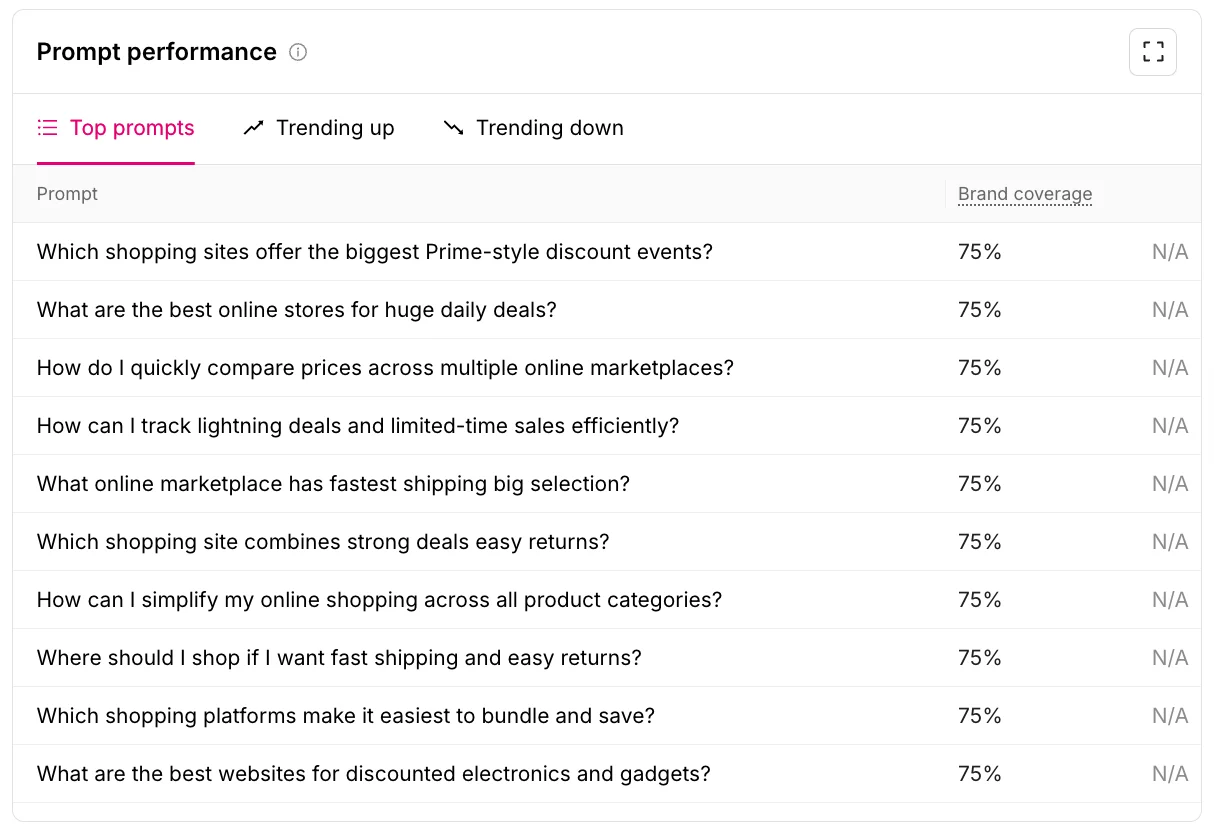
Now you have a dashboard, a competitor benchmark and a number to improve. You still don't know any of the things you'd need to change it:
- Can the crawlers that fetch pages for AI answers actually reach your website?
- Do your service pages say which neighborhoods you cover?
- Are your emergency call-outs, opening hours, licenses and pricing policy written down clearly?
- Does your website agree with your Google Business Profile and directory listings?
Each of those is a fix you can check and make. Tracking whether your company appears in AI answers doesn't resolve any of them.
There is a second gap: an AI mention is a long way from a customer. On the median small business website in our server logs, OpenAI's crawlers fetched 33.7 pages for every visitor ChatGPT sent, across 924 sites from 6 September to 5 October 2026 (AI crawler statistics). Being read by AI is common. Being clicked on is the hard part, and that depends on what the page says when the AI reads it.

For a larger company, a tracking-first approach can work. A marketing team interprets the data, briefs a writer, books a developer and measures the result.
A small business owner usually does all of those jobs alone. That's why implementation matters more than the number of charts.
How stable are AI rankings? What SparkToro's 2026 research found
There's another reason not to make prompt tracking your first priority.
In January 2026, SparkToro and Gumshoe.ai published research on how consistently AI tools recommend brands and products. Six hundred volunteers ran 12 prompts through ChatGPT, Claude and Google's AI a combined 2,961 times. The researchers put the chance of ChatGPT or Google's AI giving the same list of brands twice in 100 runs at under 1 in 100, and the chance of the same list in the same order at closer to 1 in 1,000.

That doesn't make all AI monitoring useless. The same research found that some brands showed up again and again when measured across many runs, and concluded that visibility percentage across dozens to hundreds of prompts is a reasonable metric. The stable signal is how often you appear over many answers, not where you rank in one of them.
It does mean a dashboard announcing that your business moved from third to second in ChatGPT needs careful reading. An AI answer isn't a fixed results page that every customer sees.
For a small business, the more useful question isn't "what position am I in today?" It's "does my website give AI tools clear, credible information that makes my business a sensible answer for the customers I want?"
You can read SparkToro's original research for the full method.
What to fix on a small business website before paying for AI SEO tracking
You don't need a redesign or fifty new blog posts. Start with the pages most likely to bring in business.
1. Check that AI crawlers can reach your service pages
AI tools can only cite what their crawlers can fetch. Check that your main service and product pages are indexable, not stuck behind broken redirects, and not hidden inside content that only appears after clicks or scripts.
Then check AI crawlers specifically, because a site can welcome Googlebot and still turn them away. When we fetched 314 live websites as 38 different AI crawlers in August 2026, 43% refused at least one, and 112 of those sites refused at the server while robots.txt said nothing about it (the 314-site study). The owners had no way to see it from their own settings. Our free AI search checker runs the same test on your homepage.

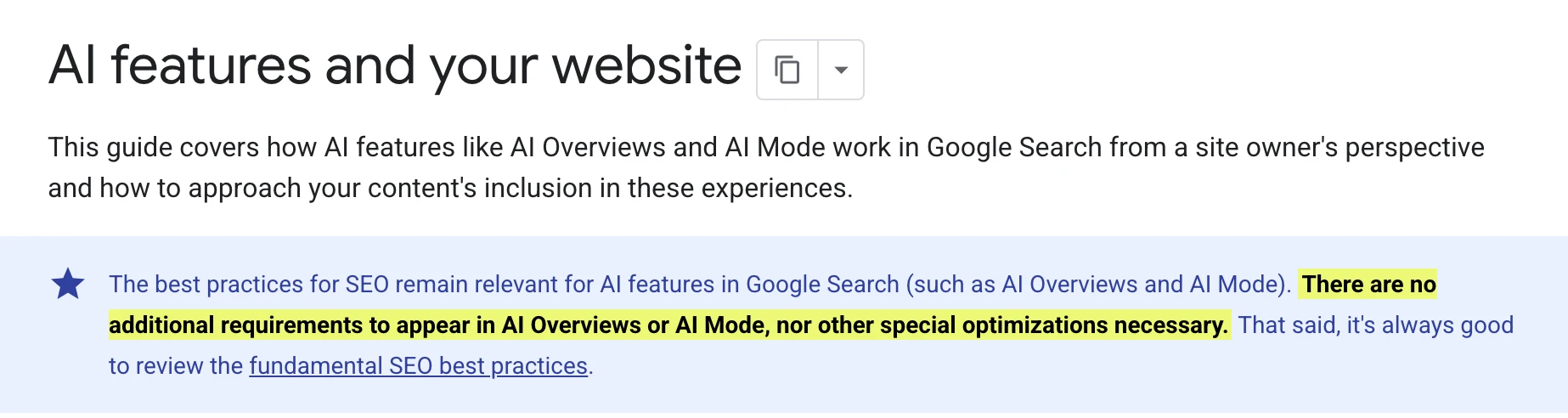
Google's documentation for AI features says "the best practices for SEO remain relevant for AI features" and that there are no additional requirements to appear in AI Overviews or AI Mode. Other AI platforms use their own crawlers, though, so fixing Google indexing alone doesn't guarantee ChatGPT or Perplexity can read you.
2. Say what your business does, for whom and where
A lot of small business websites lean on phrases like "solutions tailored to your needs." That sounds polished and tells nobody anything.
A page that states what the company offers, who it serves, where it operates and why it's qualified helps customers decide. It also gives AI tools clean source material when someone asks a question you can answer.
A local accountant, for example, should say plainly whether they work with small businesses, individuals, international clients or specific industries, and which towns or states they cover.
3. Improve existing service pages before writing new AI SEO content
Your service pages, product pages and key FAQs are usually a better place to start than a batch of generic AI-written articles.
This is where our own data is clearest. In a study of 108,834 pages on 116 WordPress sites, optimized pages earned 173.5 AI referral visits per 1,000 pages over 90 days, against 15.8 for untouched pages on the same websites: 11 times the traffic per page (the full study). Optimized pages came out ahead on 89 of the 102 sites that got any AI traffic. The same study is honest about the limit: thin, low-priority pages gained nothing.

So review whether your existing pages answer the questions customers actually ask, carry current information, and back up their claims. Content has to be useful to a person first.
4. Add structured data that matches what the page says
Structured data (schema markup) describes your organization, services, products and reviews in a machine-readable form. It should agree with what visitors see on the page.
It isn't a secret switch for getting recommended by ChatGPT, and Google says no special AI schema is needed to appear in AI Overviews. Treat it as part of keeping the website accurate, not as a ranking trick. The same goes for llms.txt: Google's AI optimization guide says Google Search doesn't use it, while keeping one for other AI services is fine. Our guide to local business schema covers the fields that matter for a service business.
5. Automate the repetitive AI SEO work
This is where AI SEO tools earn their keep for a small business.
A good tool cuts the hours spent keeping information accurate, finds the technical issues that matter, and improves pages without a developer. For WordPress sites, LovedByAI applies AI readiness fixes automatically (structured data, AI-readable versions of your pages, llms.txt and crawler access checks) and reports AI mentions and AI referral traffic back, so you can see whether the work paid off.
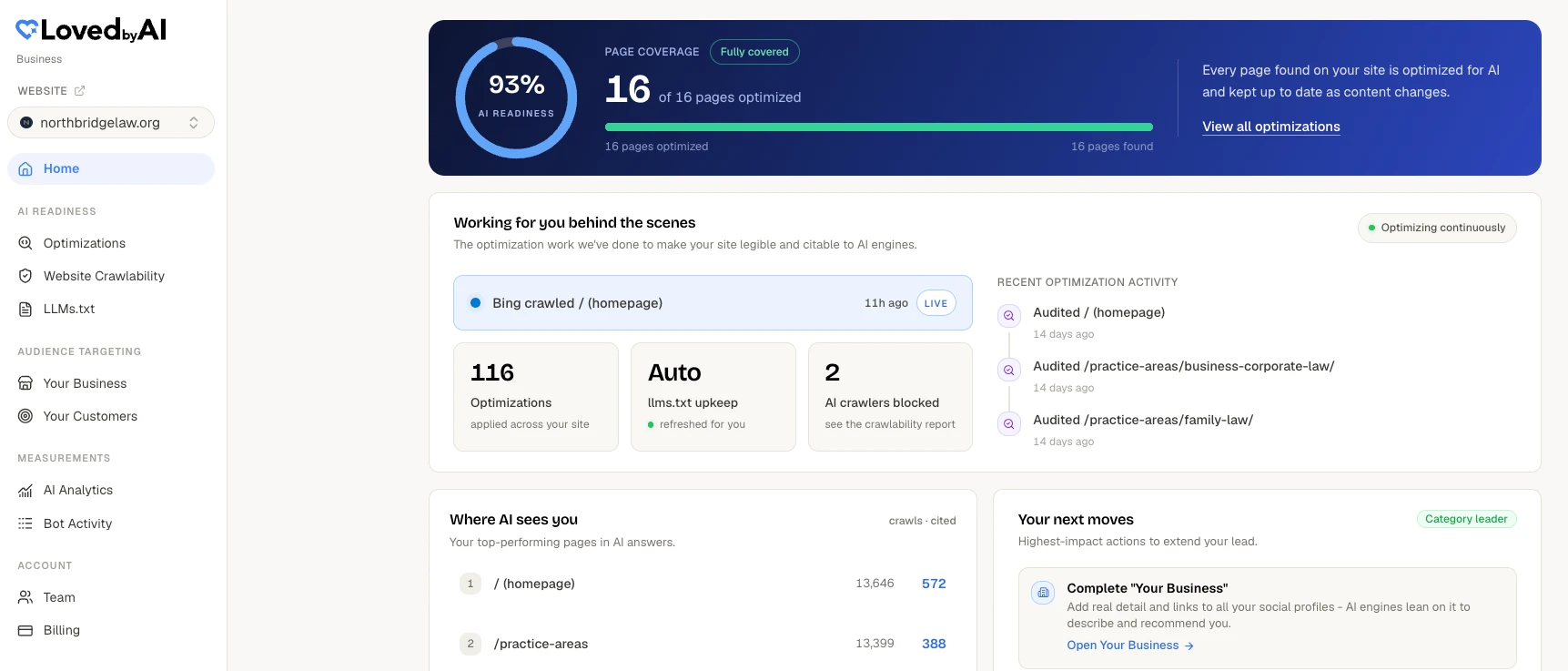
It sits alongside your existing SEO plugin and Google Search Console rather than replacing them.
The goal is to spend less time reading another dashboard and more time improving what potential customers find.
Best AI SEO tools for small business in 2026: reviewed by job (free and paid)
If you're assembling a small business AI SEO stack, buy by job, not by brand. Here is the short version, with each tool's published starting price as of October 2026. Full reviews of all ten follow.
| Job | Tool | Starting price (October 2026) | Fixes or reports? |
|---|---|---|---|
| Google search and AI Overviews data | Google Search Console | Free | Reports |
| Bing and Copilot AI citations | Bing Webmaster Tools | Free | Reports |
| WordPress on-page SEO and llms.txt | Yoast SEO | Free; Premium .80 a year | Helps you fix |
| WordPress on-page SEO and llms.txt | Rank Math | Free; PRO billed yearly | Helps you fix |
| AI search optimization on WordPress | LovedByAI | Free for 1 page; Pro /mo, or /mo billed yearly | Fixes it for you |
| AI content writing and publishing | Frase | /mo, or /mo billed yearly | Helps you fix |
| Content scoring | Surfer | /mo, or /mo billed yearly | Helps you fix |
| SEO research and site audits | Ahrefs | Free tier; Starter /mo | Reports |
| All-in-one marketing suite | Semrush | SEO plan /mo | Reports |
| AI visibility tracking | OtterlyAI | Lite /mo for 15 prompts | Reports |
We reviewed each one for a small business without a marketing team: what it's good for, where it stops, what it does for AI search, and what users say. The ratings were checked on 12 October 2026, and the homepage screenshots were captured the same day.
1. Google Search Console: the free starting point for Google and AI Overviews
Google Search Console is Google's free dashboard for how Google crawls, indexes and shows your site, including in AI Overviews and AI Mode.
Good for- Checking that Google can crawl and index your service pages, and asking it to recrawl a page after you fix it.
- Seeing which searches bring visitors, with clicks, impressions and position, at no cost.
- Seeing how often your pages appear in AI Overviews and AI Mode, in the generative AI report that reached every site on 31 August 2026.
- Fixing anything. It reports, and nothing on the site changes unless you change it.
- Separating AI clicks. The AI report shows impressions only; clicks from AI Overviews and AI Mode are mixed into the normal Web totals.
- ChatGPT, Perplexity, Claude or Copilot. It covers Google only.
AI search: partial, and Google's own surfaces only. Its guidance also says no special schema or AI text file is needed to appear in AI Overviews.
Price: free.
What users say: 4.7 out of 5 on G2 from 515 reviews (12 October 2026). Users value data straight from Google; the complaints are a one to two day lag and a learning curve for beginners.
Fixes or reports: reports.
2. Bing Webmaster Tools: free AI citation data from Copilot
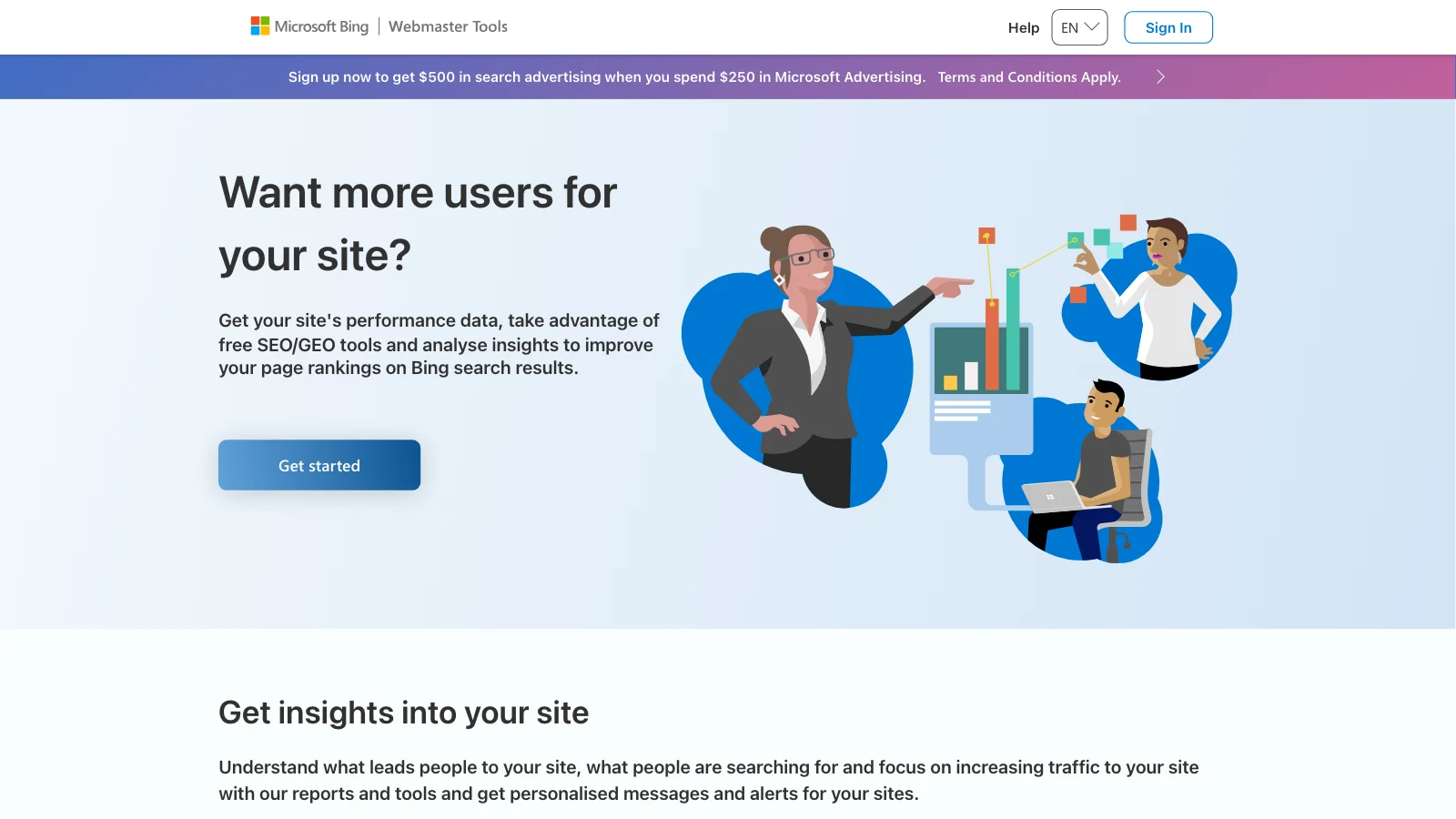
Bing Webmaster Tools is Microsoft's free counterpart to Search Console. Since February 2026 its AI Performance report shows when Copilot and Bing's AI answers cite your pages.
Good for- The only free, first-party report that counts AI citations per page, with the "grounding queries" the AI used to find them. June 2026 added intents, topics and citation share, still in preview.
- A five-minute setup if you already use Search Console: it imports your verified sites and sitemaps.
- Telling Bing straight away when you update a page, through IndexNow and URL submission.
- Fixing anything. Its Site Scan audit lists issues; you make the changes.
- AI clicks. The report counts citations, not visits.
- ChatGPT, Gemini, Perplexity or Google AI Overviews. Microsoft names Copilot, Bing's AI summaries and "select partner integrations" only.
AI search: citations in Microsoft Copilot and Bing AI answers, in public preview.
Price: free.
What users say: 4.3 out of 5 on G2 from 42 reviews (12 October 2026). People like that it's free and quick to set up; the usual complaint is that it's thinner than Google's tool.
Fixes or reports: reports.
3. Yoast SEO: the default WordPress SEO plugin, with free llms.txt
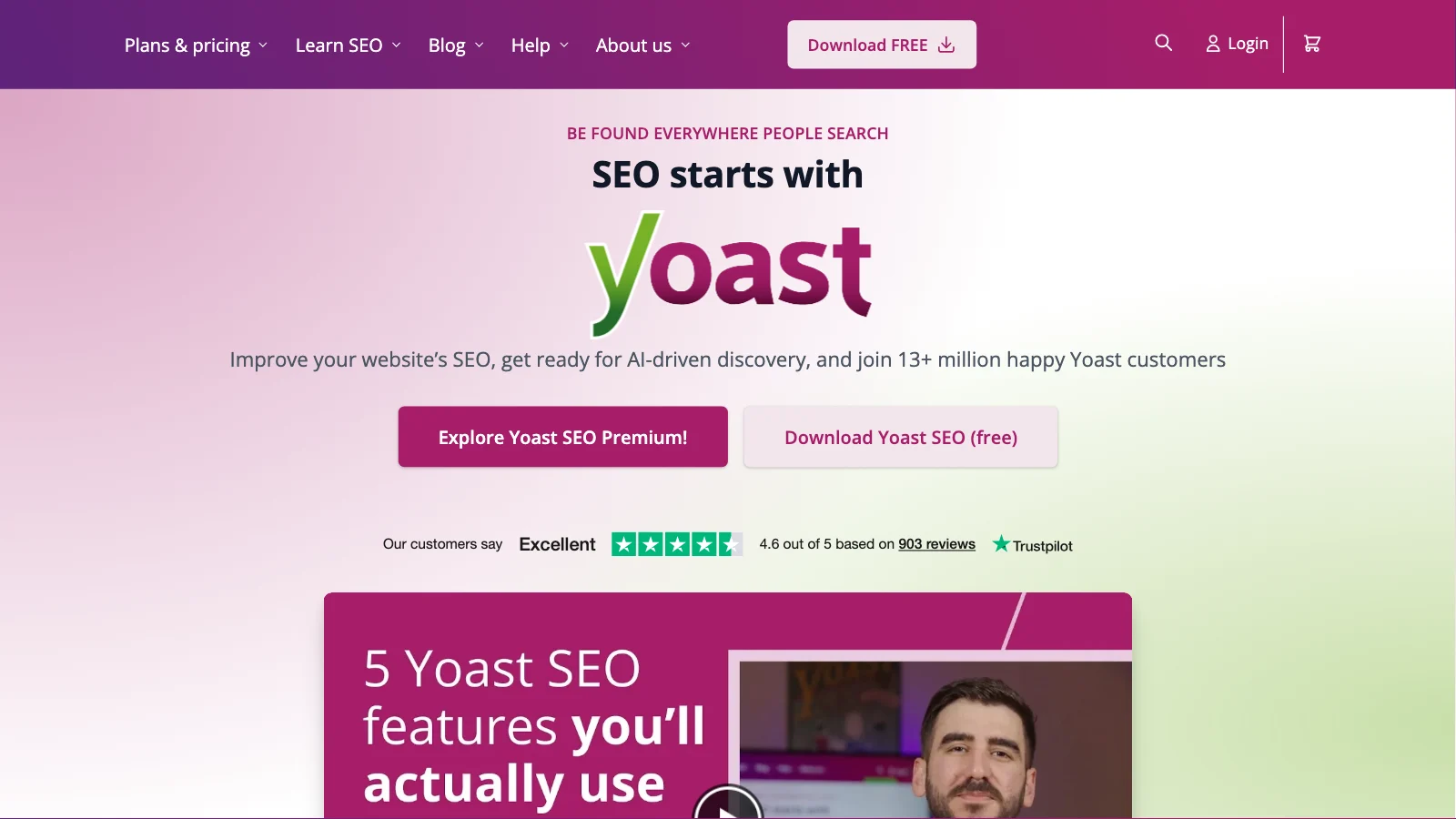
Yoast SEO is the most-installed WordPress SEO plugin, with more than 10 million active installs. It sets titles, meta descriptions, sitemaps and schema, and now generates an llms.txt file.
Good for- The basics an owner without a marketer needs, free: titles and meta descriptions, XML sitemaps, canonical and robots settings, an automatic schema graph and an auto-refreshed llms.txt.
- Sites that want the plugin their theme, page builder and host already expect.
- Premium adds a redirect manager, internal linking suggestions and AI-drafted titles and meta descriptions.
- Deciding what your pages should say. Its content analysis is a guide, and you do the edits.
- AI features on the free plan. AI drafting, AI optimization and its AI bot controls are Premium and up.
- Brand tracking on a budget: AI Brand Insights, which watches ChatGPT, Gemini, Claude and Perplexity, is only in the Yoast SEO AI+ bundle at $358.80 a year.
AI search: cleaner markup and a free llms.txt. Neither guarantees a mention, and Google says it needs no AI text files.
Price (October 2026): free. Yoast SEO Premium is $118.80 a year per site, excluding VAT.
What users say: 4.8 out of 5 on WordPress.org from 27,819 ratings and 4.6 on Trustpilot from 903 reviews (12 October 2026). Praise for ease of use and support; complaints about settings moving after updates and conflicts with some page builders.
Fixes or reports: helps you fix. It writes the meta tags, schema, sitemaps and llms.txt once set up; content changes are yours.
4. Rank Math: the WordPress SEO plugin with the fullest free tier
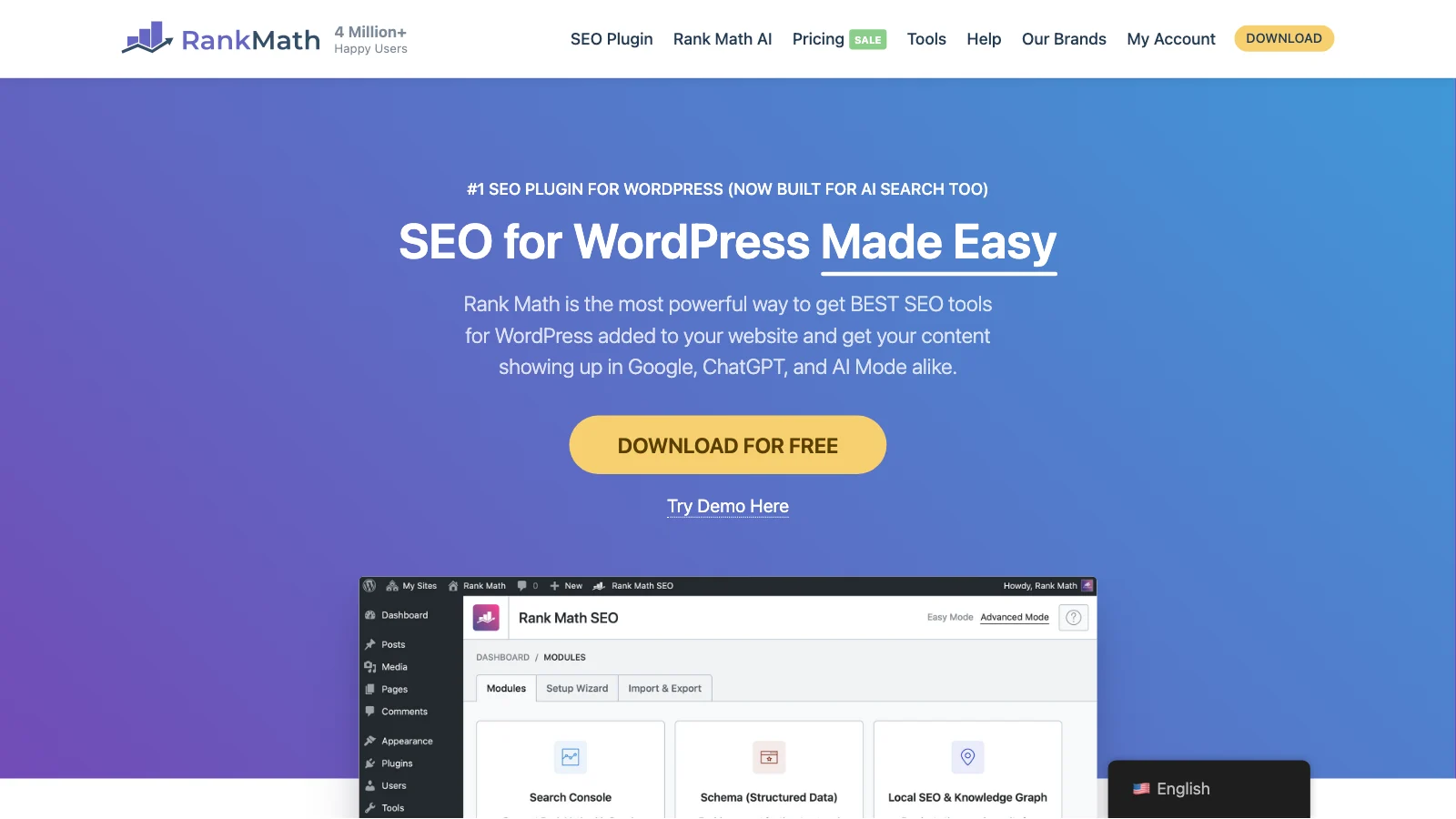
Rank Math is Yoast's main rival among WordPress SEO plugins, with more than 4 million active installs. It packs more into its free version and sells AI writing, AI fixes and AI visibility tracking as separate subscriptions.
Good for- An unusually full free plugin: setup wizard, titles and meta, sitemaps, schema, a redirection manager, a 404 monitor, Search Console data inside WordPress and an llms.txt module.
- Owners who like to switch off the modules they don't use and keep things lean.
- Some hands-off fixes: Rank Math's paid AI credits include "SEO Fixes with AI" and AI alt text.
- Anyone who dislikes upsells. In-dashboard ads and disputed add-on charges come up again and again in its reviews.
- AI tracking in one place. AI Visibility needs a separate Rank Math AI plan and covers ChatGPT and Gemini only, and the cheapest AI plan tracks one of the two.
AI search: schema and a free llms.txt help AI parse pages. AI referral tracking (PRO) and AI Visibility (Rank Math AI) report.
Price (October 2026): free. PRO and the Rank Math AI plans are billed yearly; Rank Math's pricing page showed us prices in euros only, so check the price in your own currency before you buy.
What users say: 4.8 out of 5 on WordPress.org from 7,512 ratings and 4.6 on Trustpilot from 1,458 reviews (12 October 2026). People praise how much is free; the complaints are slow support, upsells and updates that break the editor.
Fixes or reports: helps you fix.
5. LovedByAI: AI search optimization that fixes WordPress pages for you
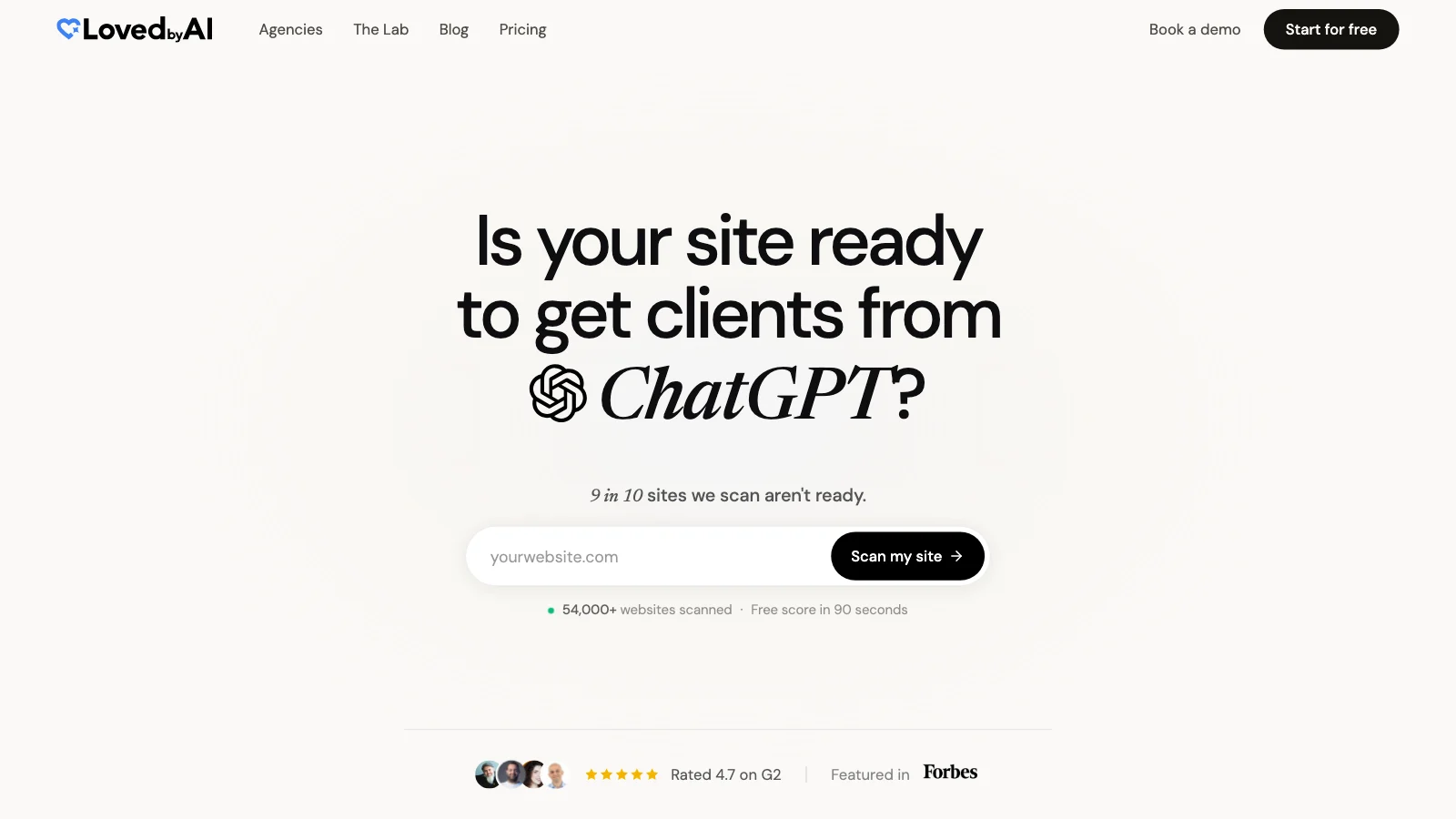
LovedByAI is our product, so weigh this entry accordingly. It is a generative engine optimization platform for small businesses, built around WordPress: a plugin applies the on-page AI search work automatically and reports AI mentions and AI referral traffic back.
Good for- WordPress owners without a developer or a content team, who want the fixes applied rather than another report to act on.
- Getting schema, FAQ markup, answer-first formatting and an AI-readable version of every page in place without editing each page by hand. It runs alongside Yoast SEO, Rank Math or AIOSEO and leaves their titles and meta alone.
- Seeing whether AI is reading and sending people: AI bot visits, AI mentions and AI referral visitors in one dashboard.
- Shopify, Wix, Squarespace or Webflow sites. It is a WordPress plugin only.
- Prompt-by-prompt tracking of what ChatGPT says about you and your competitors. That is what trackers such as OtterlyAI do.
- Anyone who wants a guaranteed AI mention. No honest tool offers one.
AI search: every feature is aimed at it: structured data, FAQ generation, an above-the-fold AI summary on each page's AI version (Pro and up), llms.txt, live crawlability checks as GPTBot, ClaudeBot and PerplexityBot (Pro and up), plus Bot Activity logs and AI referral analytics.
Price (October 2026): a free plan covers one page with no card. Pro is $39 a month, or $29 a month billed yearly, for up to 200 pages. Business is $79 a month, or $59 billed yearly, for up to 1,000 pages. Paid plans start with a 7-day free trial.
Fixes or reports: fixes first, then measures.
6. Frase: AI content writing and publishing with basic AI tracking
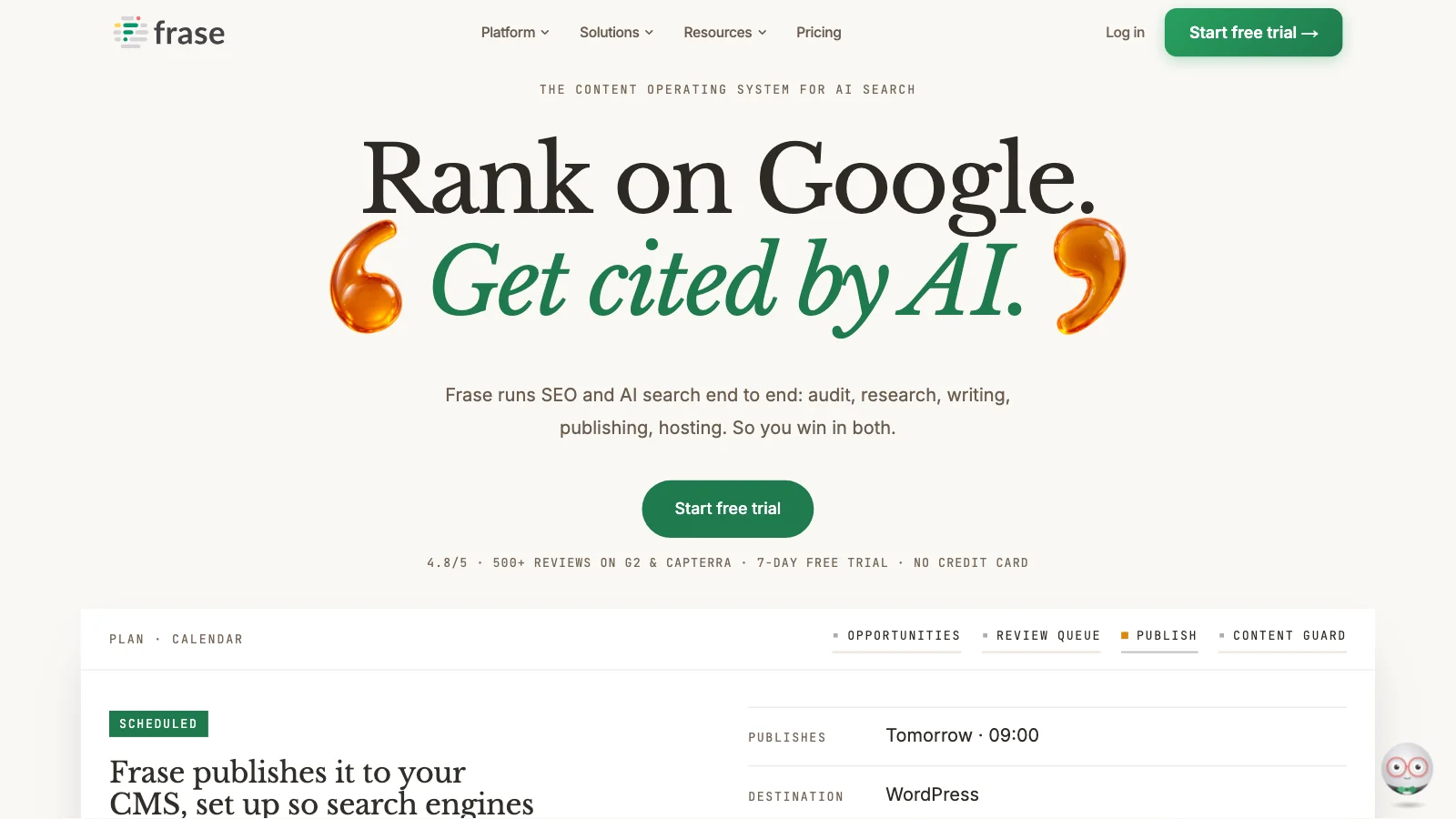
Frase researches, drafts and scores articles for Google and AI search, publishes them to your CMS, and watches published pages for ranking decay.
Good for- A one-site business that wants blog posts and service pages researched, drafted and published to WordPress with little hand work.
- Basic AI-answer monitoring without an add-on: the entry plan tracks 50 prompts on ChatGPT and Google AI.
- Predictable bills. Frase says the Starter plan stops at its monthly limits instead of charging overages.
- Technical fixes. It doesn't touch crawler access, robots rules or schema on pages it didn't write.
- Accuracy without supervision. Generic AI writing is a recurring user complaint, and it only knows your business facts if you give them to it.
- Tracking Perplexity, Claude or Gemini on a small budget: those start on the $103 and $239 a month (billed yearly) plans.
AI search: "SEO and GEO scores" on every plan, plus AI Visibility monitoring that Frase itself says "does not auto-fix".
Price (October 2026): Starter is $49 a month, or $39 billed yearly, with a 7-day free trial and no card.
What users say: 3.6 out of 5 on Trustpilot from 65 reviews (12 October 2026), split between praise for the 2026 rebuild's AI search features and complaints about refunds and lifetime-deal changes.
Fixes or reports: helps you fix. It writes and republishes content once you approve; the AI tracking only reports.
7. Surfer: content scoring for owners who write their own pages
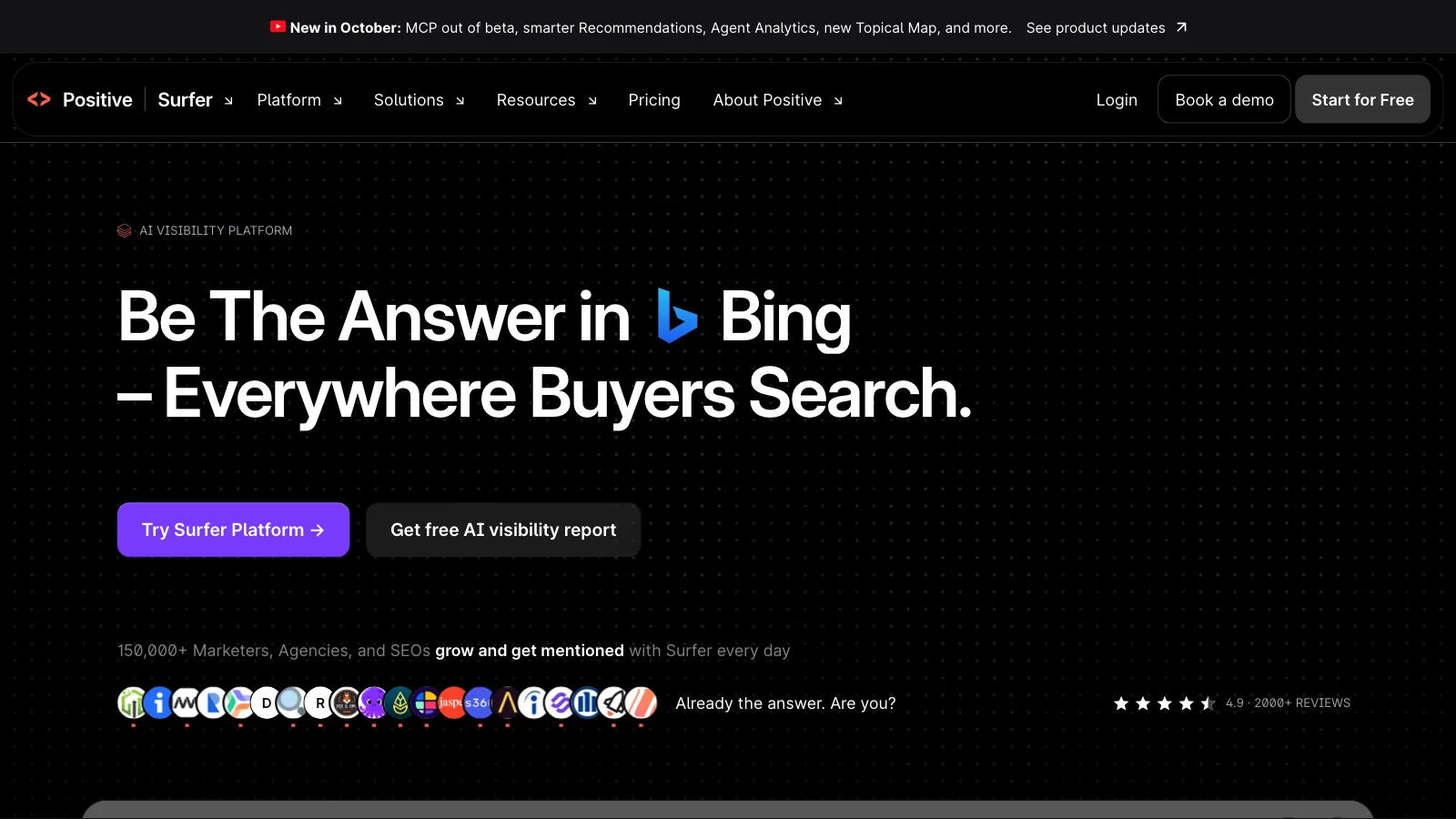
Surfer scores a draft against the pages already ranking for a keyword and tells you what to add, with an AI writer and an AI-answer tracker on higher plans.
Good for- An owner or freelancer who writes their own service pages and wants a checklist of what to cover.
- WordPress users: Surfer's free plugin moves drafts between Surfer and WordPress, including Gutenberg and Elementor.
- AI tracking on the entry plan. Discovery tracks no AI prompts. Tracking across ChatGPT, Gemini, AI Overviews, AI Mode and Perplexity starts at $82 a month billed yearly.
- Tight budgets. Price and credits running out are the most common complaints in its reviews.
AI search: the AI Tracker reports how five AI engines mention your brand. The content editor's guidance is pitched at AI citations as well as rankings, a claim Surfer doesn't back with outcome data.
Price (October 2026): Discovery is $49 a month billed yearly, or $59 month to month.
What users say: 4.2 out of 5 on Trustpilot from 222 reviews (12 October 2026). People like how easy the content score is to follow; the complaints are price, credits and billing after cancellation.
Fixes or reports: helps you fix. You rewrite the page with its guidance and push it to WordPress; the tracker only reports.
8. Ahrefs: SEO research and site audits, with a free tier
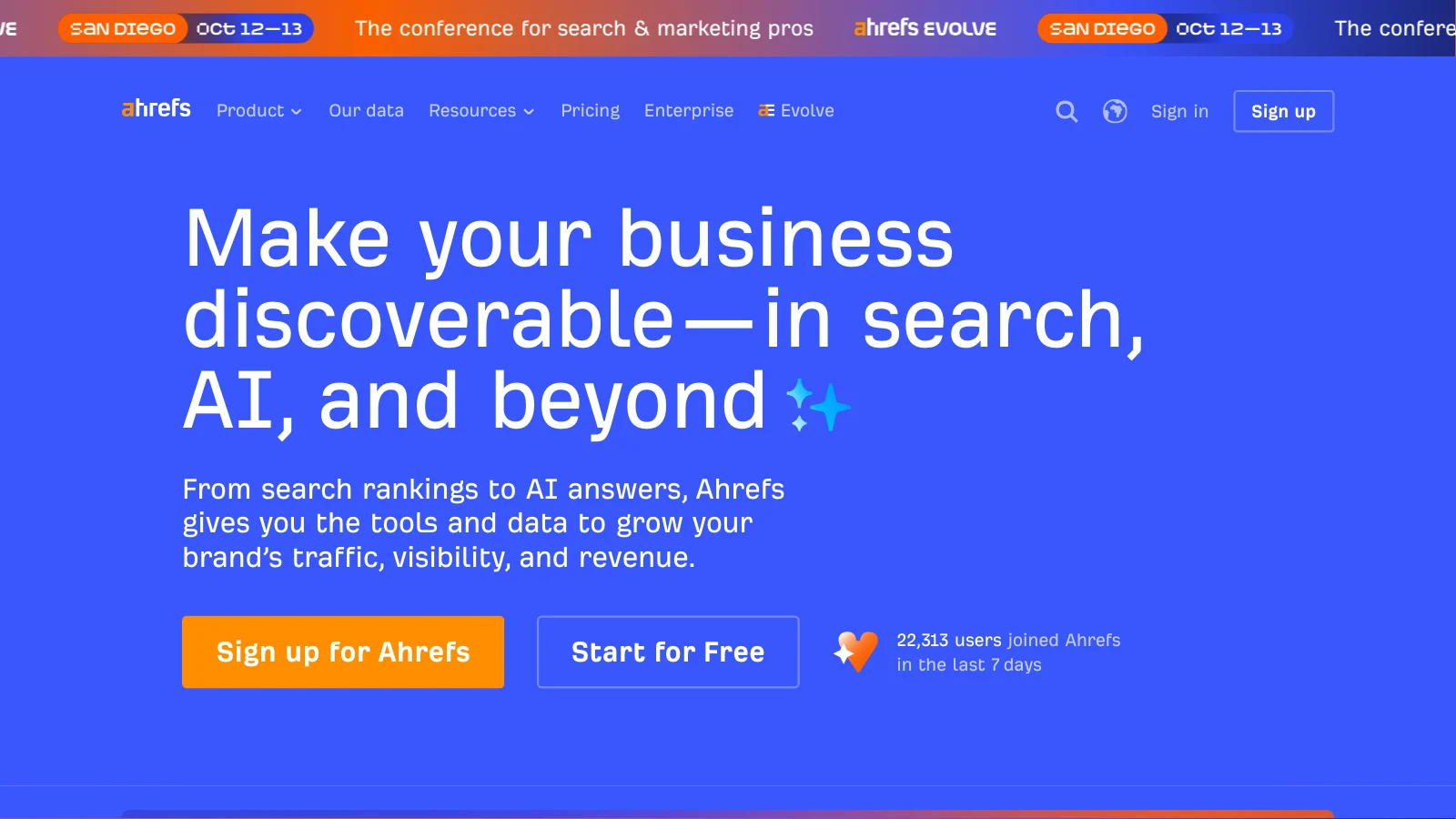
Ahrefs is a research suite built on its own web crawler: backlinks, keywords, competitors, site audits and rank tracking, plus Brand Radar for AI mentions.
Good for- A free technical check. Ahrefs Free (formerly Ahrefs Webmaster Tools) gives verified site owners a site audit, data on their own site and web analytics that include AI traffic.
- Competitor and keyword research, if someone will actually use it.
- Fixing anything on a small budget. Its Patches feature can change titles, meta descriptions, redirects and links on the live site, but only inside the Project Boost Max add-on at $200 a month per project.
- AI tracking on a small budget. Lite ($129 a month) tracks 5 AI prompts; the Brand Radar AI index starts at $199 a month on top.
- Owners who dislike credit limits. Running out of credits and hard cancellations are recurring complaints.
AI search: Brand Radar reports brand mentions across AI Overviews, AI Mode, ChatGPT, Perplexity, Gemini and Copilot. It only reports.
Price (October 2026): Ahrefs Free costs nothing. Paid plans start at Starter, $29 a month, billed monthly. There is no free trial.
What users say: 2.2 out of 5 on Trustpilot from 323 reviews (12 October 2026). Users praise the backlink and keyword data and complain about price, credit limits and account blocks.
Fixes or reports: reports, unless you pay for Patches.
9. Semrush: the all-in-one marketing suite
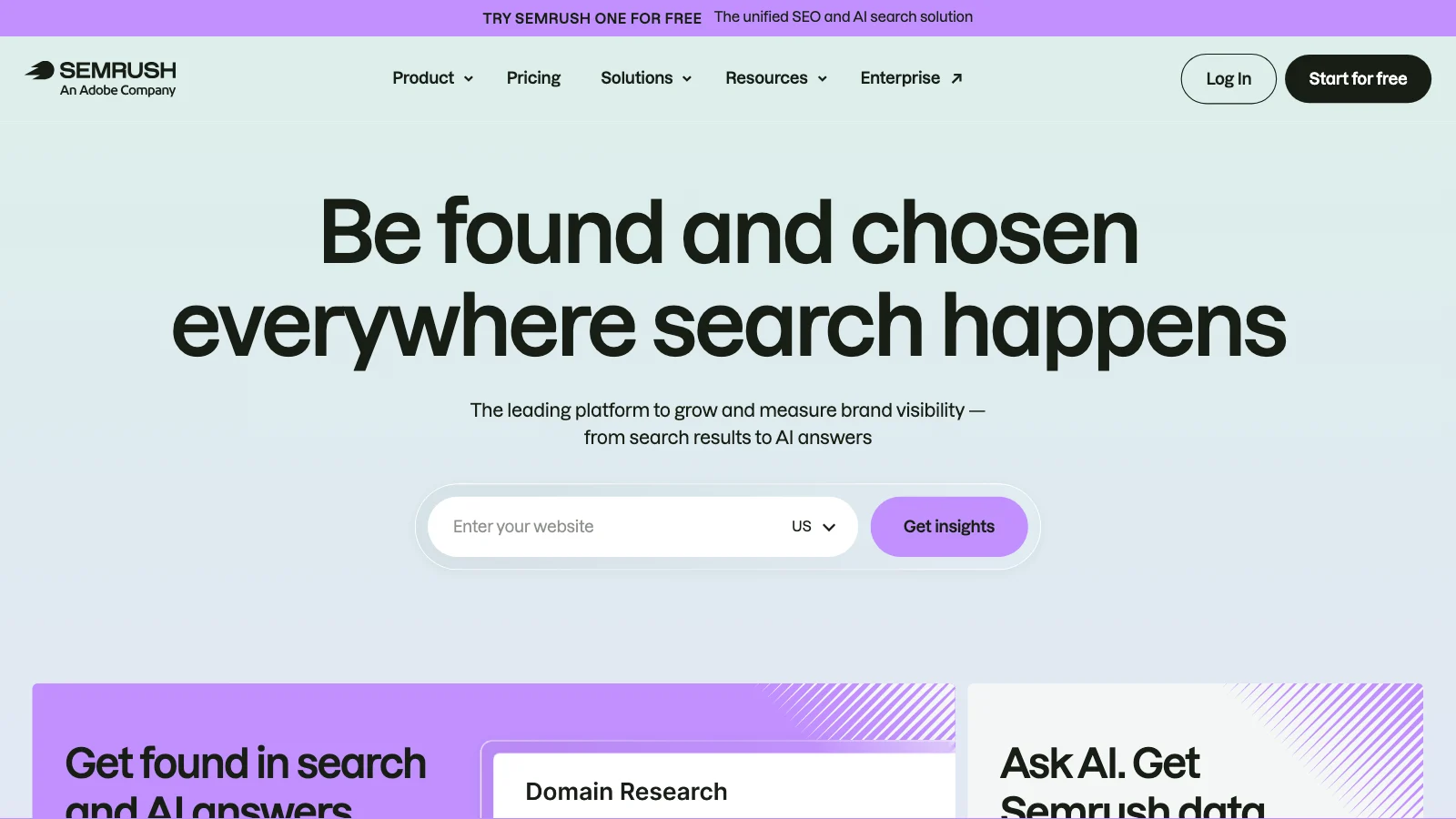
Semrush is an all-in-one marketing suite (keyword research, rank tracking, site audit, competitor and local tools) that now sells SEO and AI search visibility together.
Good for- An owner who wants one login for Google rankings, a site audit and AI-answer tracking. The Starter plan includes 50 AI prompts tracked daily.
- Competitor research across Google and AI answers in one place.
- Small budgets and quick setups. A steep learning curve and add-ons that stack up are the common complaints.
- Changing the site. Its audits and AI-readiness checks list problems; you still make every fix.
AI search: AI visibility reports and prompt tracking across ChatGPT, Google AI, Gemini and Perplexity. The standalone AI Visibility Toolkit is $99 a month per domain, with no trial.
Price (October 2026): the SEO plan is $139 a month, or $117.33 billed annually. Starter, the first plan with a stated AI prompt quota, is $199 a month. The main plans have a 7-day free trial.
What users say: 1.6 out of 5 on Trustpilot from 1,416 reviews (12 October 2026), dominated by billing and cancellation complaints, although the tool itself is widely used by marketing teams.
Fixes or reports: reports and recommends.
10. OtterlyAI: the cheapest way to watch AI answers every day
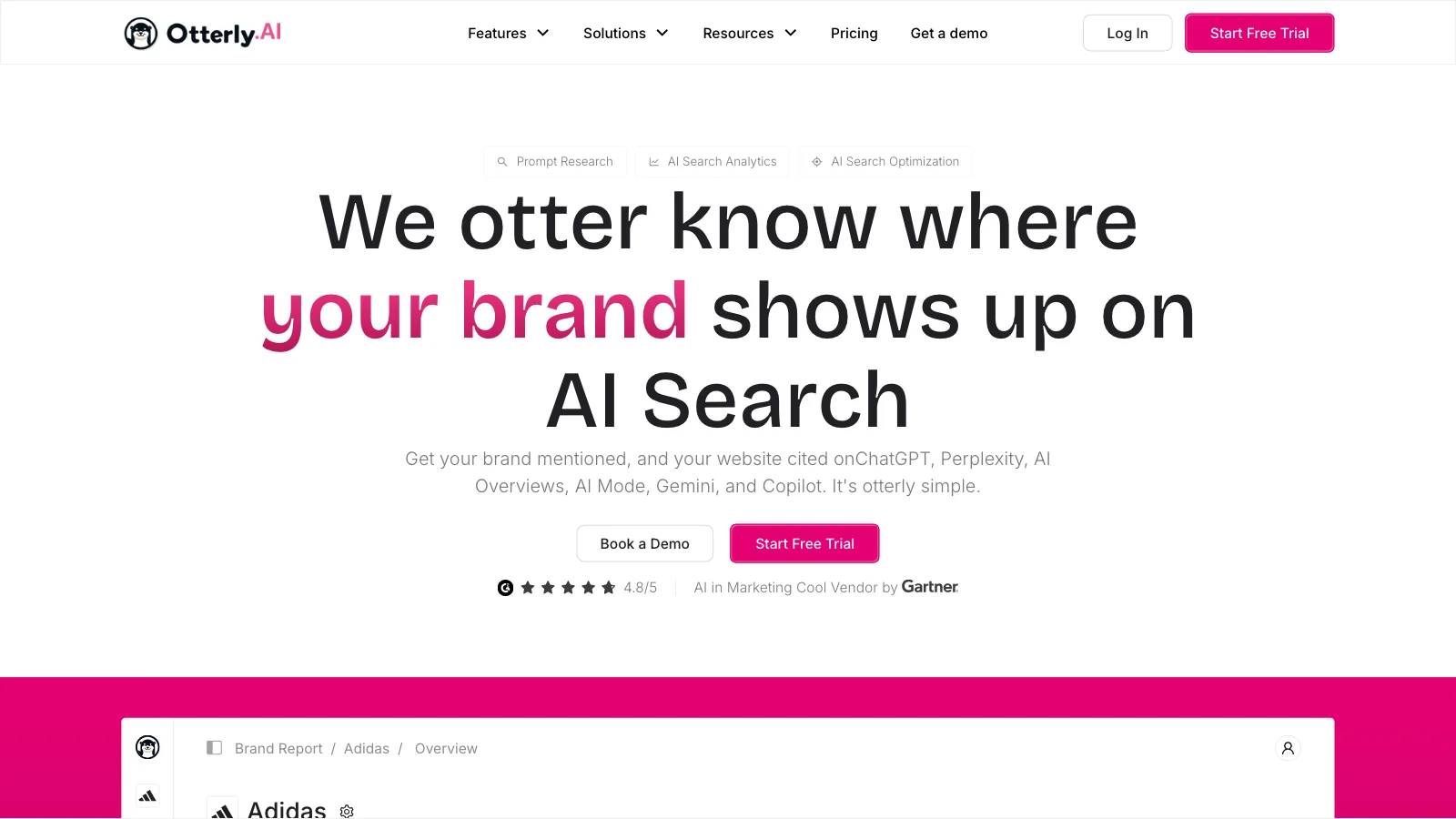
OtterlyAI runs a set of tracked prompts every day across AI answer engines and reports which brands get mentioned, which pages get cited and where competitors show up, with page-level GEO audits and recommendations.
Good for- Watching AI answers daily for little money: Lite tracks 15 prompts across ChatGPT, Google AI Overviews, Perplexity and Copilot.
- Seeing who AI recommends instead of you, and which sites it cites.
- Owners or agencies who will act on its audit recommendations themselves.
- Changing the site. Its WordPress plugin, Agent Analytics, only logs AI bot visits and doesn't modify content.
- A broad view on the entry plan. 15 prompts is a small sample, and the next plan is $189 a month for 100. Google AI Mode, Gemini and Claude cost extra.
AI search: this is the whole product: mentions and citations across up to seven AI engines, tracked daily.
Price (October 2026): Lite is $29 a month, or $25 billed yearly, with a 7-day free trial and no card.
What users say: 4.7 out of 5 on G2 from 54 reviews (checked for our OtterlyAI review, 8 October 2026). Users like the dashboards; one G2 reviewer found it "not always clear what specific actions should be taken".
Fixes or reports: reports.
What the ten AI SEO tools have in common
The pattern is the economic mismatch at the heart of this article. The free tools cover reporting on Google and Bing. The paid AI visibility trackers are priced by how many prompts they watch, which suits a marketing team running reports, not an owner who needs the website fixed.
Even the tools that help you fix are moving into tracking: Yoast sells AI Brand Insights in its AI+ bundle, Rank Math sells AI Visibility as a separate plan, and Surfer, Frase, Ahrefs and Semrush all meter AI prompts. Each of those is worth it once the site is in order. None of them is the first thing to buy.
For a full comparison of the tracking platforms, see our review of 18 AI visibility tools.
When is AI visibility tracking worth paying for?
Monitoring becomes useful once you have a reason to act on what it shows.
- A business publishing content regularly wants to know which topics surface in AI answers.
- An agency has to show clients what changed. (Our AI SEO agency guide covers what to ask one.)
- A company competing across many services or locations needs trends to decide where to work next.
In those cases monitoring reveals patterns that are hard to spot by hand. It still isn't the same as customer demand. A brand mention isn't a recommendation, a citation doesn't mean anyone clicked, and a referral visit isn't automatically a lead.
If you're choosing between paying to measure your AI visibility and paying to fix a website with known problems, fix the problems first.How to choose AI SEO tools for your small business: 5 questions
Before you add another subscription, ask:
- Does this tool find a problem I can verify? A useful diagnosis names the page and the issue, not just a score.
- Does it help fix the problem? Find out whether it makes the change, gives exact instructions, or leaves everything to you.
- Will I need a developer or an SEO specialist? That can be fine for a growing business, but it changes the real cost.
- Does it support my website? A WordPress plugin won't help a Shopify store or a custom-built site.
- Can I connect its results to business outcomes? Look for movement in search visits, AI referrals, enquiries and sales, wherever attribution is available.
Don't buy a reporting tool because a competitor has one. Buy the tools that remove whatever is holding your website back.
AI SEO for small business: fix first, then measure
The AI SEO software market increasingly sells to small business owners as if they were marketing departments. They aren't.
A marketing team needs monitoring, competitor benchmarks and reports, and it has people who turn those observations into campaigns and technical changes. A small business owner needs a much shorter path from problem to fix.
That's why the best AI SEO tools for a small business put practical website improvements first and cut the manual work. Monitoring still has a job: it tells you whether the fixes are moving things in the right direction.
But the dashboard isn't the work.
Make the website better first. Then measure what happens. You can start with a free AI readiness scan from LovedByAI.