Shopify stores walked into the AI shopping season with ChatGPT built in. WooCommerce stores didn't. If ChatGPT or Gemini recommended their products at all, it was from whatever the AI could piece together off their pages.
Today we're closing that gap. LovedByAI eCommerce is a new plan for WooCommerce stores that connects the catalog to ChatGPT shopping, Google AI Mode and Gemini, makes the store usable by AI shopping agents, and gets the product pages ready for AI search. Here's why WooCommerce was left out, what the plan does, and how to switch it on.
"Until now, only Shopify stores had a direct line into AI shopping." Dean Peer, co-founder of LovedByAI
Why WooCommerce stores were left out of ChatGPT shopping
Shoppers now ask ChatGPT for products the way they used to type into a search box, and AI agents compare prices and check shipping on their behalf. ChatGPT answers with product cards: a picture, a price, stock and a link to the store.
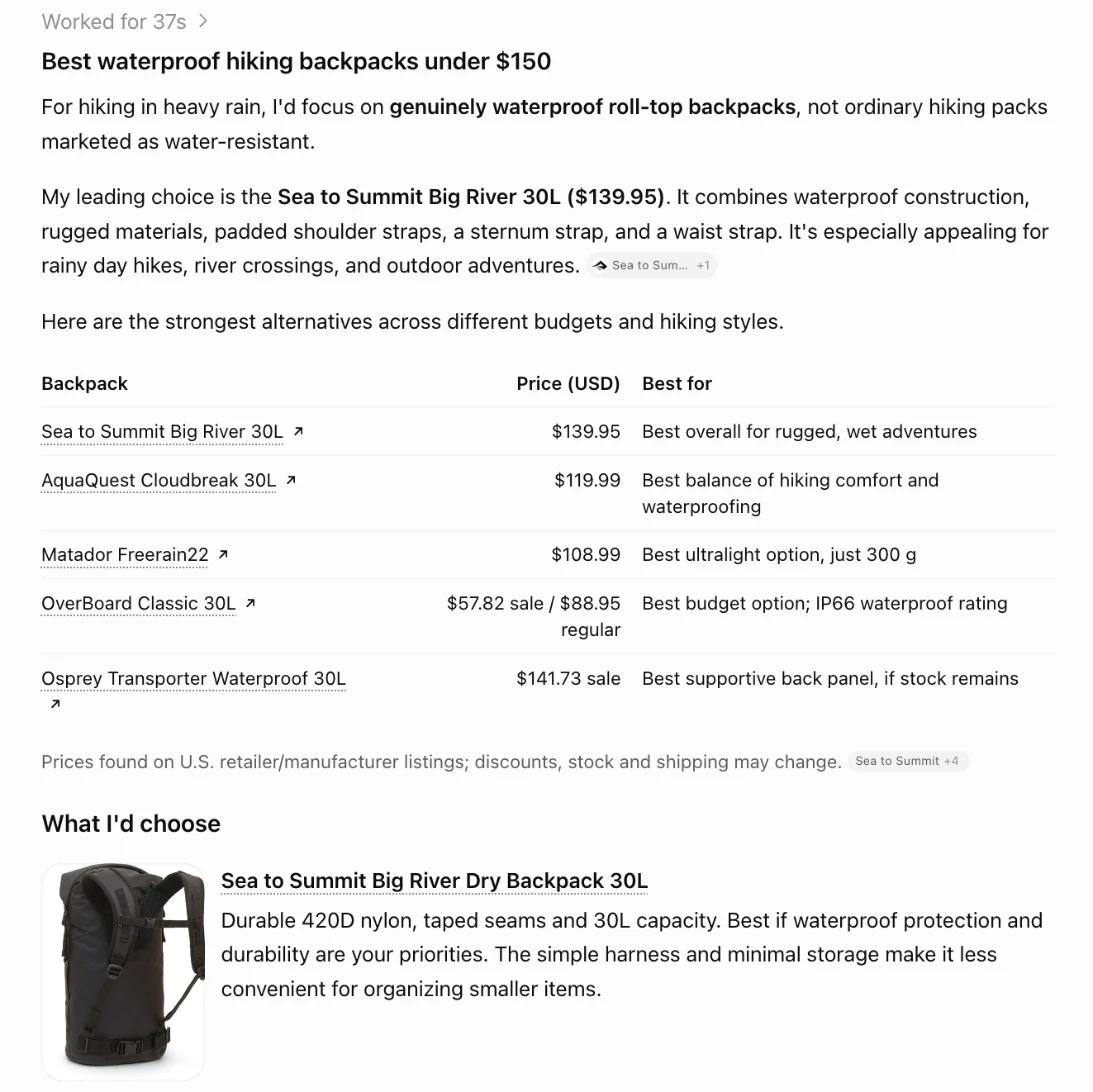
Those cards come from product data. OpenAI's merchant page says Shopify and Etsy catalogs are already integrated, with no setup. WooCommerce isn't on that list, so a WooCommerce store has to hand ChatGPT its own product feed in OpenAI's format. Google's AI shopping works the same way: AI Mode and Gemini need the catalog in a form they can read, and the Universal Commerce Protocol (UCP) that Google and Shopify introduced is how stores publish it.
Most WooCommerce owners don't have a developer on call to build and maintain either one. That's the gap LovedByAI eCommerce fills.
What LovedByAI eCommerce does for a WooCommerce store
The plan works in four parts, all from the LovedByAI WordPress plugin:
- A ChatGPT product feed that stays current. LovedByAI builds your catalog in OpenAI's product feed format, with variations, sale prices and stock, and keeps it up to date as you edit products. You add it once in OpenAI's Business Hub.
- Your catalog in Google AI Mode and Gemini. LovedByAI publishes the store through UCP, so Google's AI shopping can find your products and send shoppers to your checkout.
- WebMCP tools for AI shopping agents. Agents working in the browser can search your products and check variants, shipping and returns through WebMCP tools, instead of guessing their way through your pages.
- Product pages ready for AI search. Schema markup, IndexNow pings to search engines when pages change, an AI crawlability check, and the rest of the LovedByAI optimizations.
It supports the three protocols AI shopping runs on: ACP (the Agentic Commerce Protocol from OpenAI and Stripe), UCP and WebMCP. It runs alongside Yoast, Rank Math and other SEO plugins, and you approve, reject or undo every change it makes to a page.
Where WooCommerce checkout happens with ChatGPT and Gemini
On your own store. OpenAI moved away from a standalone Instant Checkout in ChatGPT, so shoppers discover and compare products in ChatGPT and then buy on your website. Your WooCommerce checkout, payments, orders and customer data stay exactly where they are, and OpenAI says it charges no fees on purchases that start in ChatGPT.
Two things to know before you plan around it:
- Checkout doesn't happen inside ChatGPT or Gemini yet. The AI sends the shopper to you.
- Shopping in ChatGPT is live in the U.S. only for now. OpenAI says more regions will follow.
How much LovedByAI eCommerce costs
The eCommerce plan is $199 a month, or $149 a month billed annually ($1,788 a year). It covers up to 2,000 pages and starts with a 7-day free trial. Full details are on the WooCommerce page.
How to set up AI shopping on WooCommerce with LovedByAI
- Install the LovedByAI plugin from WordPress and connect your site.
- Choose the eCommerce plan and start the free trial.
- Copy your product feed link from the LovedByAI dashboard and add it in OpenAI's Business Hub. That's the only manual step, and it takes a couple of minutes. Our WooCommerce ChatGPT product feed guide walks through the Business Hub screens.
- Review the page changes LovedByAI suggests and approve the ones you want.
Not sure how AI-ready your store is today? Run it through the free AI readiness check first. It shows what ChatGPT and other AI crawlers can and can't read on your site.