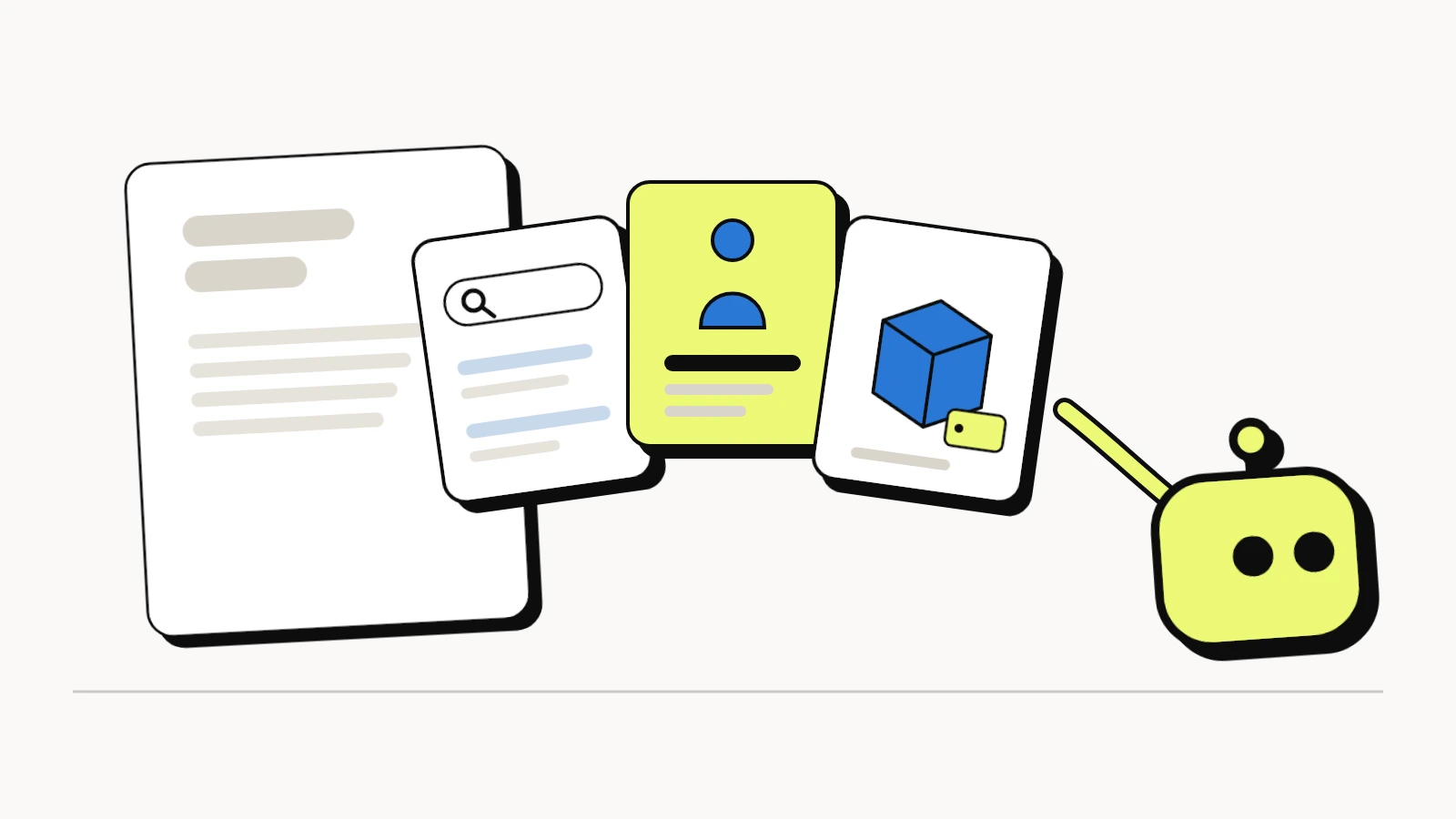
AI agents don't just read websites anymore. They book, compare and buy on someone's behalf, inside the browser. Until now they did it the hard way: reading the screen, guessing which button does what, and filling in forms meant for people.
WebMCP gives them a better way in. Your website hands the agent a short list of tools, each with a name and a plain description, and the agent calls the one it needs. No guessing, no clicking around. Here is what WebMCP is, who already supports it, why it matters for a small business site, and what the WebMCP tools LovedByAI adds to your site actually do.
What is WebMCP?
WebMCP (Web Model Context Protocol) is a browser standard that lets a web page offer tools to AI agents. A tool is one job the site can do, described in plain words: search this site, tell me about this business, list the products. The agent reads the list, picks the tool that fits what the person asked, and gets a clean, structured answer back.
The WebMCP specification is a draft of the W3C Web Machine Learning Community Group, edited by engineers from Google and Microsoft. It isn't a finished W3C standard yet, and Chrome's own documentation says it is still "under active discussion and subject to change." But it is already running in browsers and agents people use every day.
WebMCP vs MCP: what is the difference?
The name comes from MCP, the Model Context Protocol that AI apps such as ChatGPT and Claude use to connect to outside tools. The difference is where the tools live:
| MCP | WebMCP | |
|---|---|---|
| Where the tools run | On a server the business hosts | In the visitor's browser tab |
| Who connects | An AI app, with or without a browser open | An AI agent working inside the page |
| Whose session | A separate login or API key | The person's own session on the site |
| What a business needs | An MCP server | Tools registered on its web pages |
WebMCP doesn't replace MCP. It covers the moments when a person and their agent are on your website together: a shopper asking an assistant to find the right product, or a customer asking it to check your opening hours.
Which browsers and AI agents support WebMCP?
WebMCP moved from proposal to real traffic in 2026:
- February 2026: Chrome released an early preview of WebMCP behind a flag.
- June 9, 2026: Chrome opened a WebMCP origin trial in Chrome 149, so websites can switch it on for real visitors with no browser settings to change.
- June 22, 2026: Chrome released a toolkit to make websites agent ready, including an Agentic browsing category in Lighthouse that checks whether a site registers WebMCP tools.
- August 25, 2026: OpenAI turned on WebMCP in the built-in browser of the ChatGPT desktop app, where ChatGPT and Codex can call a site's tools, which OpenAI calls site tools. OpenAI ran a WebMCP Challenge for developers the same week, with Chrome, Cloudflare and Shopify among its partners.
- September 28, 2026: Shopify opened its checkout to browser-based AI agents through WebMCP.
The platforms around websites are moving too. Shopify registers WebMCP tools on every Liquid storefront, with tools to search the catalog and to ask about the business. Cloudflare added a WebMCP switch to its dashboard in August, and Elementor added read-only WebMCP tools to its Elementor 4.4 beta in November.
Agent support today is limited to Chromium-based browsers, such as Chrome and Edge, and the ChatGPT desktop app. Firefox and Safari have not announced support.
Why should your website be WebMCP ready?
An agent-ready website is one an AI agent can use, not just read. When an agent shops, researches or books for someone, it asks a site the same few questions over and over: where is the page about X, what is this business, what do they sell and for how much. Being WebMCP ready means your site answers those directly. Here is what that changes:
- Agents get your facts right. An agent that scrapes a page can mix up a sale price with a list price, or miss opening hours buried in a footer. A tool returns the answer in a fixed shape, from the same data every time.
- Agents finish the job on your site. Pop-ups, cookie banners and menus slow an agent down and make it give up or misclick. A tool skips all of that, so the agent gets to the right page or product on the first try.
- You choose what agents see. You decide which jobs to expose and what each tool returns, instead of leaving the agent to work out your site on its own.
- Google is starting to measure it. Chrome's Lighthouse Agentic browsing audit checks for WebMCP tools alongside accessibility and layout stability. It doesn't affect rankings today, but it shows where Chrome is heading.
- Small sites can level the field. Shopify stores, and any site on a platform that adds WebMCP, now hand agents clean tools. A local business site without them asks the agent to do more work than the store next door.
WebMCP builds on what makes a site visible to AI search in the first place: pages AI crawlers can reach, clear content, and structured data that states the facts. Visibility gets your business into the answer. WebMCP makes it usable by the agent that acts on that answer.
How WebMCP works on a website
A website can offer WebMCP tools in two ways:
- In JavaScript (the imperative API). The page registers each tool with
document.modelContext.registerTool(), giving it a name, a description, the inputs it accepts and the function that runs. - On a form (the declarative API). The page adds WebMCP attributes to an ordinary HTML form, and the form becomes a tool the agent can fill in and submit.
Good tools are small and specific: one job each, named the way a person would describe it. Tools that only read, such as search or a product list, carry a readOnlyHint so the agent knows they change nothing. Tools that change something, such as placing an order, should leave the final step to the person, and agents like ChatGPT ask before purchases.
The WebMCP tools LovedByAI adds to your WordPress site
The LovedByAI WordPress plugin makes your site WebMCP ready automatically, fully compatible with the WebMCP standard in Chrome and the ChatGPT desktop browser. It's on by default and there's no code to write. It gives agents three sets of tools for the jobs they do most: finding the right page, understanding the business, and, on WooCommerce stores, exploring the products. Every one of them is read-only: an agent can look things up, never change anything on your site.
Site search and navigation: find the right page
Every LovedByAI site, store or not, gets a search tool that covers the whole site:
| WebMCP tool | What the agent can do |
|---|---|
search_site | Search your pages and posts by keyword and get back up to ten matches, each with its title, link and content type, so it can go straight to the right page |
What it means: when someone asks their assistant "does this clinic do Invisalign?" or "find the size guide on this store", the agent doesn't need to wander your menus. It searches, gets the exact page, and takes the person straight there.
The implication: agents land on your best page for the question instead of giving up on your homepage. That is the same job your site search does for people, now in a form agents can call.
Business information and store policies: who you are and how you work
An agent recommending a business needs more than a product or a page. It needs to know who you are, where you operate and what it's like to buy from you. These tools answer that from your own WordPress site and WooCommerce settings:
| WebMCP tool | What the agent gets |
|---|---|
get_store_information | Your business name, what you do and the basics of your store |
get_store_contact | How to reach you: phone, email and address |
get_store_locations | Where you are and where you operate |
get_shipping_policy | Where you ship, and what it costs |
get_return_policy | Your return and refund conditions |
get_payment_methods | The ways a customer can pay |
What it means: "do they ship to Canada?", "can I return it if it doesn't fit?", "do they take PayPal?" and "what's their phone number?" get answered from your own policy pages and settings, not from a guess based on whatever text the agent found first.
The implication: these are often the questions that decide a sale, and an agent that can't find the answer tends to recommend a store where it can. Your business facts also reach the agent consistent with your structured data, your Google Business Profile and your ChatGPT business profile. When those match, agents and AI search engines are more confident recommending you.
Product catalog: what you sell, at what price
If your site runs WooCommerce, LovedByAI also hands agents your catalog, read straight from WooCommerce's own product data:
| WebMCP tool | What the agent can do |
|---|---|
search_products | Search your products by what the person is looking for |
list_products | Browse the catalog |
get_product | Read one product in full: price, variants such as size and color, images, stock and shipping details |
get_product_categories, get_product_tags, get_product_attributes | Understand how your catalog is organized |
get_product_reviews | Read what your customers say about a product |
get_related_products | Suggest alternatives and items that go together |
What it means: a shopping assistant asked for "a waterproof hiking jacket under $200 in a medium" can search your store, check the medium is in stock, read the reviews and compare it with a related jacket, without scraping your product pages one at a time.
The implication: your products enter the comparison with the right prices, the right stock and your real reviews, and the agent recommends from actual product information instead of a half-read page. It is the same idea as the catalog tools Shopify registers on every storefront, brought to WordPress and WooCommerce. Buying stays with the shopper: the tools read your catalog, and the cart and checkout are still theirs to complete.
WebMCP settings: you stay in control
WebMCP has one master switch in the plugin's settings, and each tool has its own switch, so you can turn off any tool you don't want agents to use. Because the tools run in the visitor's browser, an agent can only see what that visitor could already see on your site.
How to check whether your website is WebMCP ready
Run through these in order. Each builds on the one before:
- AI crawlers can reach your pages. Check that your robots.txt and firewall don't block them.
- Your pages answer questions plainly. One clear topic per page, with the answer near the top.
- Your structured data states the facts. Business details, products and prices in schema, the same everywhere.
- Your business facts match across the web. The same name, address and phone on your site, your Google Business Profile and your ChatGPT business profile.
- Your site offers WebMCP tools. At least site search and business information, and product and store-policy tools if you sell online. Chrome's Lighthouse Agentic browsing audit shows which tools a page registers.
The first four make you visible to AI. The fifth makes you usable by it.
Sources: W3C Web Machine Learning Community Group, "WebMCP", Draft Community Group Report, November 11, 2026; Chrome for Developers, "WebMCP origin trial", June 9, 2026, "A developer toolkit to make your website agent-ready", June 22, 2026, and "WebMCP"; Search Engine Journal, "ChatGPT adds WebMCP support", August 27, 2026; Shopify, "WebMCP tools".