Every AI search engine publishes advice for site owners, and most of it agrees. None of Google, OpenAI or Microsoft asks for secret markup. A page gets quoted when it can be crawled, says plainly what it is, and answers a question in sentences an AI can lift whole.
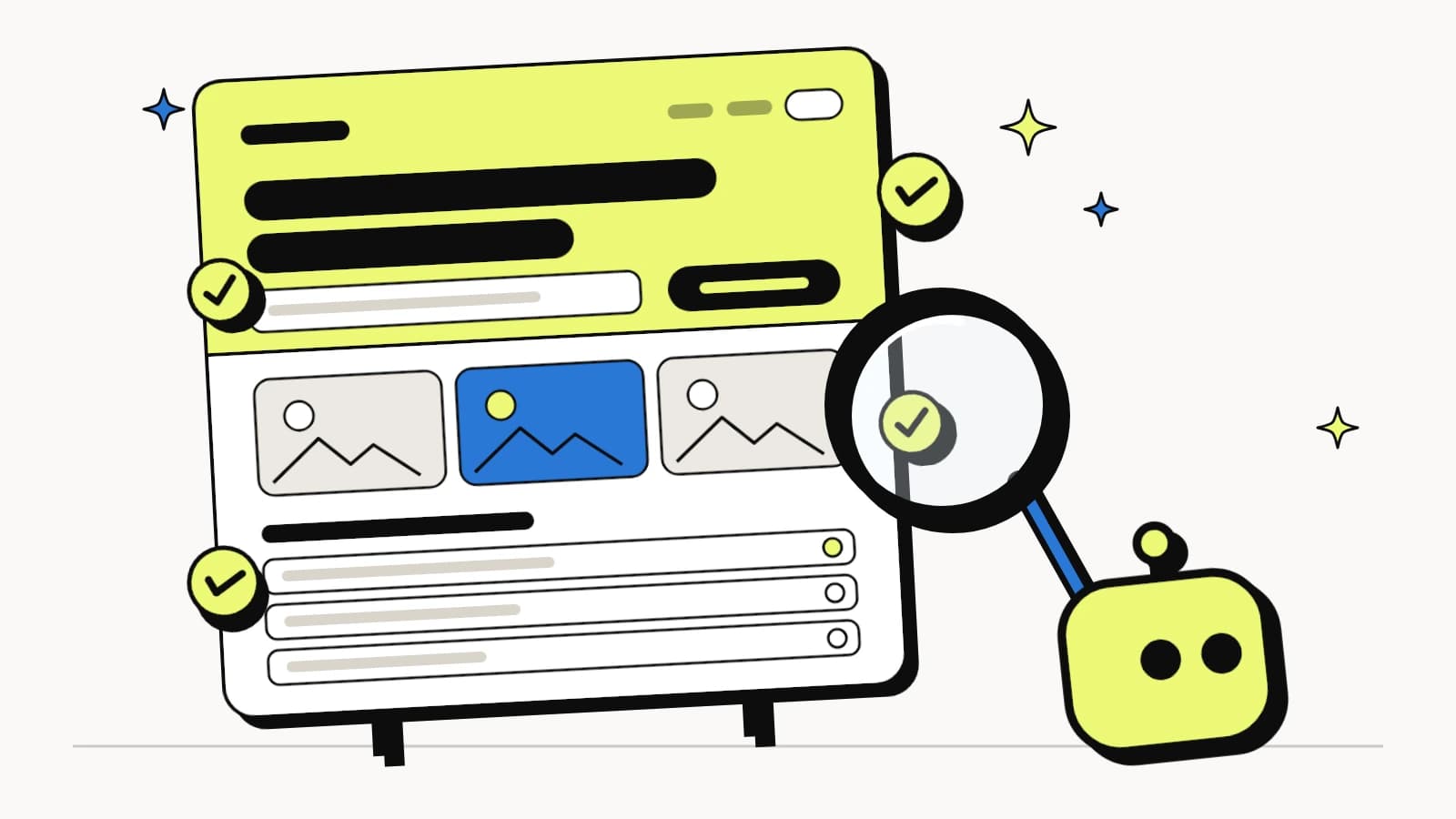
This checklist turns that advice, and what we've measured on small business websites, into 30 checks you can run on any page. It's ordered the way a page reads, from what a crawler sees first to what sits under the page. The diagram below shows where each part goes. LovedByAI runs most of these checks automatically on WordPress sites; you can also do every one of them by hand.
How a GEO-ready page looks: the anatomy

Each callout names the source behind it: Google, OpenAI, Anthropic, Microsoft, or what LovedByAI's scanner checks and our own data shows. Everything on the page is ordinary HTML: a specific title, an answer at the top, question headings, facts in a table, an FAQ and a clear next step. What makes it work for AI search is that each part says one thing in plain text. The 30 checks below cover every callout, in the same top-to-bottom order.
GEO checklist part 1: can AI crawlers reach the page?
Nothing else on this list matters if the crawler never gets the page. Google's guidance for AI Overviews and AI Mode is blunt about it: a page has to be indexed and eligible to show with a snippet.
- Let the AI search crawlers in. Allow OAI-SearchBot (ChatGPT search), Claude-SearchBot (Claude), PerplexityBot (Perplexity), Googlebot and Bingbot in robots.txt. The training crawlers, GPTBot, ClaudeBot and Google-Extended, are a separate decision; blocking them doesn't take you out of search answers. Sources: OpenAI's publisher FAQ, Anthropic's crawler article, Google's AI features guide.
- Check the firewall and CDN, not just robots.txt. In our study of 314 live websites in August 2026, 43% refused at least one AI crawler, and 112 of those refused it at the server while robots.txt said nothing. Your security plugin or CDN bot settings can block ChatGPT without you knowing.
- No noindex or nosnippet on pages you want quoted. Google only uses pages that are indexed and snippet-eligible, and OpenAI uses noindex to keep pages out of ChatGPT search.
- Put the words in the HTML. Your key text and headings should be in the page source, not loaded later by scripts. Google asks site owners to keep important content available in text form.
- Answer fast. Aim for a server response under a second. Google lists page experience among its best practices for AI features.
- One URL per page. The canonical tag, the sitemap and the robots directives should all say the same thing about whether a page is indexed and which URL is the real one.
- List the page in your XML sitemap, with a real last-modified date. AI crawlers use sitemaps heavily: across 82 million crawler requests on about 1,600 WordPress sites, they requested sitemap XML 177,353 times in May 2026 alone (our llms.txt study).
GEO checklist part 2: the title, H1 and first answer
This is the part AI search reads first and quotes most. Microsoft's guidance for Copilot and Bing says titles should summarize what the page delivers and that the title, H1 and description should agree.
- A title tag that names the service, the place and the business, in about 50 to 60 characters. "Emergency Plumber in Leeds, 24/7 | Joe's Plumbing", not "Home".
- A meta description that says what you do, for whom and where, in plain words, under 160 characters.
- One H1 that matches the title. Not "Welcome!" A page with two H1s, or none, leaves the topic for the AI to guess.
- Answer the page's question in the first two sentences. Put the takeaway first, as a self-contained statement that still makes sense if it's lifted out alone. Microsoft's guidance asks for answers that are short and self-contained enough to be lifted.
- Use the words your customers use. Name the exact service and need: "burst pipe repair", not "plumbing solutions". In our test of 50 local questions on 13 October 2026, 117 of the 135 businesses ChatGPT recommended for a specific need were described with exactly that need.
- Show who wrote it and when. A named author with a relevant credential and a visible "last updated" date. Microsoft lists freshness among what its systems look for, and a date in the text is one a reader can check.
GEO checklist part 3: headings and content AI can quote
AI systems don't rank whole pages the way a results page does. Microsoft describes Copilot breaking content into sections and judging each one on whether it answers a question clearly.
- Write H2s as the questions people ask. "How much does a burst pipe repair cost?" rather than "Pricing". Microsoft calls headings "chapter titles"; vague ones like "Learn more" give nothing to match.
- One answer per section, 100 to 200 words. Open with the direct answer, then explain. Long walls of text blur ideas together.
- Facts, not adjectives. "Same-day call-outs across Leeds" beats "fast, reliable service". Microsoft's guidance warns against unanchored claims like "next-gen" and "cutting-edge".
- Tables and lists for steps and comparisons. Prices, what's included, opening hours and step-by-step instructions read best as a table or numbered list.
- Proof someone could check. Real jobs, real numbers, named clients where you're allowed, photos of your own work.
- Nothing important only in an image, a PDF or a closed tab. Microsoft notes AI systems "may not render hidden content". If you use accordions or tabs, the text still has to be in the page's HTML.
- Alt text that says what each image shows. "Burst copper pipe repaired under a kitchen sink", not "IMG_4821".
- Descriptive links between related pages. "See our boiler repair prices", not "click here". Google asks for content to be findable through internal links.
- Clean HTML structure. One H1, then H2s and H3s in order, real lists and tables, and the main content inside a single
<main>element. A table of contents helps on long pages.
GEO checklist part 4: FAQ, proof and the next step
The bottom of the page answers the follow-up questions and tells the reader what to do.
- An FAQ with the follow-up questions customers actually ask, each answer complete on its own and present in the HTML, not loaded on click.
- Contact details in text: business name, address or service area, phone and opening hours, written on the page and not only inside an image or a map embed.
- One clear next step. A single call to action that says what happens: "Call Joe's Plumbing", "Book a survey".
GEO checklist part 5: schema and the invisible layer
Structured data is the part of the page only machines read. Google's rule is that it has to match the visible text, and that no special schema is required for AI features.
- Organization or LocalBusiness schema with your name, URL, logo, description, address and
sameAslinks to your real profiles (Google Business Profile, LinkedIn, Facebook). It ties your website to the same business everywhere else. - Schema for the page type, matching what's visible: Service, Product, Article or FAQPage. Microsoft's guidance recommends schema to label what a page is, such as a product, review, FAQ or event.
- Open Graph tags (og:title, og:description, og:image), so links to the page carry the right title and image wherever they're shared.
GEO checklist part 6: beyond the page
Two checks sit off the page but decide whether the rest pays off.
- Keep your Google Business Profile and Merchant Center up to date. Google names both in its AI features guidance. ChatGPT leans on listings too: in our 50-question test on 13 October 2026, 283 of the 284 local businesses ChatGPT recommended came with a listing card or a Google Maps link.
- Track AI visits by page. ChatGPT adds
utm_source=chatgpt.comto its links, so Google Analytics 4 shows those visits in the landing page report, and Google counts AI Overviews and AI Mode traffic in Search Console under the Web search type. Watch for ChatGPT visits landing on 404s too: 36 of 4,053 did on small business websites between 30 September and 9 October 2026.
What Google, OpenAI and Microsoft say AI search needs
The official guidance is short, and it lines up with the checklist above.
| Source | What it says site owners should do |
|---|---|
| Google: AI features and your website | Be indexed and snippet-eligible; allow crawling in robots.txt and your CDN; keep important content in text; make structured data match the visible text; keep Merchant Center and Business Profile current. No new AI files or special markup needed. |
| OpenAI: publishers FAQ | Allow OAI-SearchBot to appear in ChatGPT search; GPTBot is the separate training crawler; noindex keeps a page out; referrals carry utm_source=chatgpt.com. |
| Microsoft: content for AI search answers | Consistent title, H1 and description; headings as chapter titles; short self-contained answers; lists and tables; schema; avoid hidden tabs, PDFs, image-only facts and vague claims. |
| Anthropic: crawlers | Claude-SearchBot indexes for search, Claude-User fetches pages for a person's question, ClaudeBot collects training data; all follow robots.txt. |
What's not on this GEO checklist, and why
- An llms.txt file as a must-have. It's cheap to keep, and LovedByAI generates one, but AI crawlers barely read it: 31 fetches by AI bots in six months across about 1,600 WordPress sites. Google says no AI text files are needed. Treat it as optional.
- "AI-only" markup. Google, OpenAI and Microsoft all describe ordinary HTML, text and schema. Nobody publishes a special tag that gets you quoted.
- Word count for its own sake. Sections that each answer one question beat a long page that circles the topic.
- Keyword stuffing. Microsoft calls it out by name in descriptions; repeating a phrase doesn't make a section easier to lift.
Which pages to run the GEO checklist on first
Start where AI search already sends people. In LovedByAI's data on 23,740 ChatGPT visits between 14 September and 13 October 2026, the average service business website got 42% of its ChatGPT visitors on the homepage and 18% each on service pages and blog posts, while online stores got 37% on product pages and 23% on the homepage (where ChatGPT referral traffic lands). Run the checklist on your homepage and your top service or product pages first.
Does the work pay off? In our 108,834-page study, optimized pages earned 173.5 AI referral visits per 1,000 pages over 90 days, against 15.8 for untouched pages on the same websites: 11 times as many. The effect was uneven, and did nothing for thin, low-priority pages.
How LovedByAI handles the GEO checklist on WordPress
LovedByAI is a generative engine optimization platform for small businesses, built around WordPress. It automates the on-page work on this list, including question headings, answer-first sections, FAQs with FAQPage schema, Organization schema and an llms.txt file, checks crawler access and robots rules, and reports AI mentions and AI referral traffic back. The parts that need you, such as proof from real jobs and keeping your Google Business Profile current, it flags rather than invents.